14
A
OPERATOR’S MANUAL
EN
5. MAINTENANCE
5.1
REMOVING THE TRANSPARENT SCREEN
VENUS PLUS, VENUS PLUS CL version lights only.
WARNING!
Carry out this operation with the light o and after
it has cooled down.
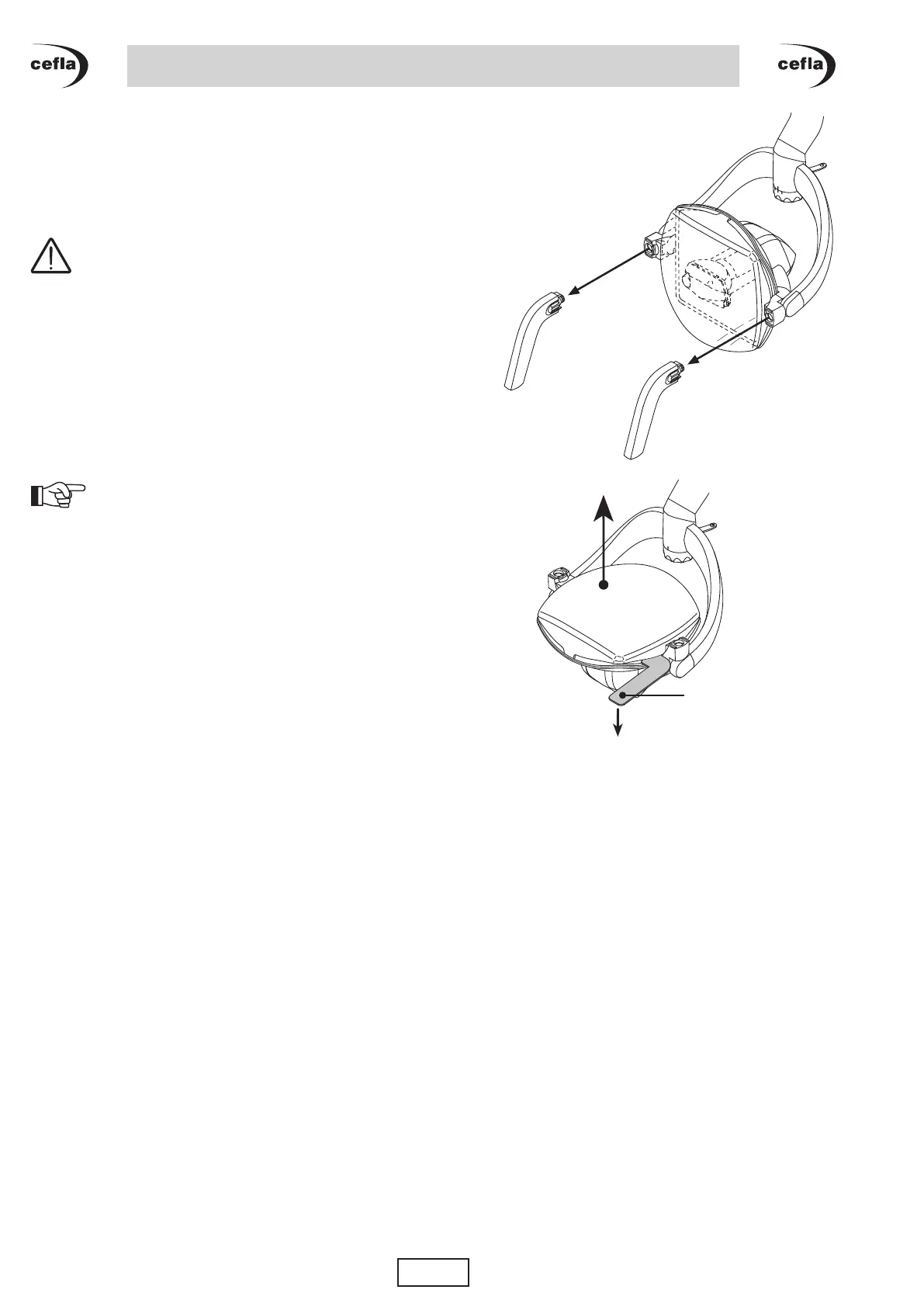
To remove the transparent screen proceed as follows:
• remove the handles (see paragraph 3.4.);
• rotate the optical unit upwards:
• insert the supplied tool (A) below the transparent
screen;
• rotate the tool downwards to release the safety clip
on the screen;
• repeat the operation on the opposite side and
remove the transparent screen by pulling it upwards.
NOTE: to ret the transparent screen, simply
snap it into place.



 To Next Page