10
To get the telescope to slew, set the SPEED to FINDER using the above procedure. Hold down the Diamond button
corresponding to the direction you want the telescope to slew, then press the opposite button to reach the slew rate.
Using the Telescope Under the Night Sky
The purpose of this section is to get the telescope aligned and tracking under the stars as soon as possible. You need to
have the telescope assembled and on the tripod to utilize this quick setup section. You also need to balance the telescope.
See the section Balancing the Telescope in the Chapter 3.
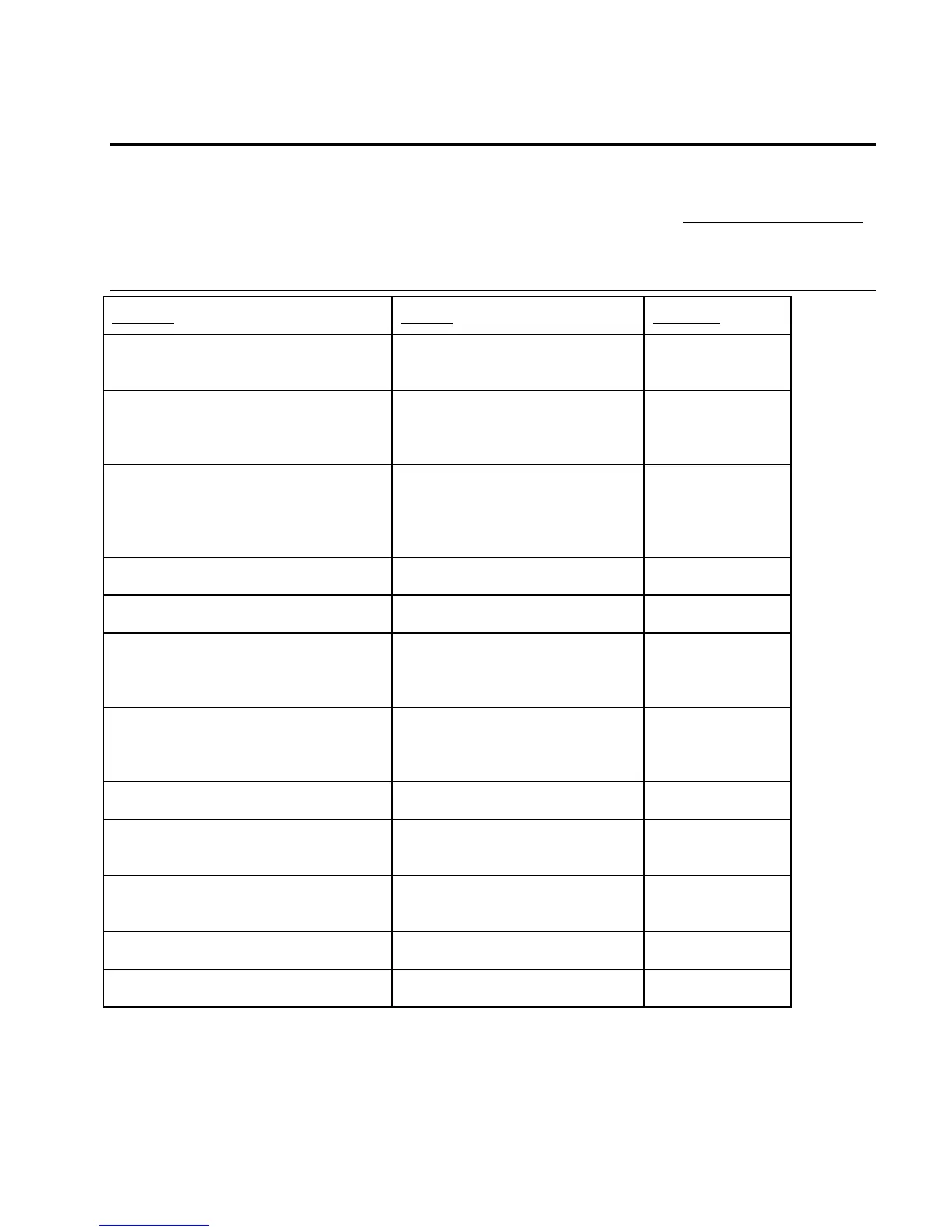
Two Star Alignment
ACTION NOTES DISPLAY
Turn the telescope ON
Turn the hand control ON
The telescope always starts off at the
ALIGN menu.
MENU
A
LIGN
Press ENTER Entered into the ALIGN menu and
the message “INITIALIZING”
scrolls across followed by the prompt
to set the azimuth downstop.
S
ET FORK
TO ZERO
Move the telescope to its downstop
positions in both Alt and Az.
(See the
Chapter on the Hand Control, Menu Setup
Press ENTER
Initialized the encoder downstop
position for azimuth.
T
UBE TO
DOWNSTOP
Press ENTER Initialized the encoder downstop
position for altitude.
S
KY
ACHERNAR
Press ENTER Entered into the star list catalog. NEW OBJ
A
CHERNAR
Use the UP/DOWN buttons to scroll
through the list of alignment stars.
(example: ALTAIR - press DOWN nine
times)
Scrolled to first alignment star. NEW OBJ
A
LTAIR
Move and center telescope on alignment
star and press ENTER
Aligned the Ultima 2000 to first
alignment star.
NOTE: Move the scope by hand and
center with the diamond buttons)
S
KY
ALTAIR
Press ENTER Entered back in star list NEW OBJ
A
LTAIR
Use the UP/DOWN buttons to scroll to a
second alignment star.
(example Deneb - Press DOWN 7 times)
Scrolled to second alignment star. NEW OBJ
D
ENEB
Move and center telescope on alignment
star and press ENTER
Aligned to second star and the warp
error message displays briefly. An
error of less than 0.5 is desirable.
NEW OBJ
W=(<.5)
A few seconds pass Display returns to the SKY screen
after a few seconds.
S
KY
DENEB
Press MENU Returns you to the ALIGN Menu. MENU
A
LIGN
Note: Even with the tracking motors off, the telescope still keeps track of the passage of sidereal time.











 To Next Page