24
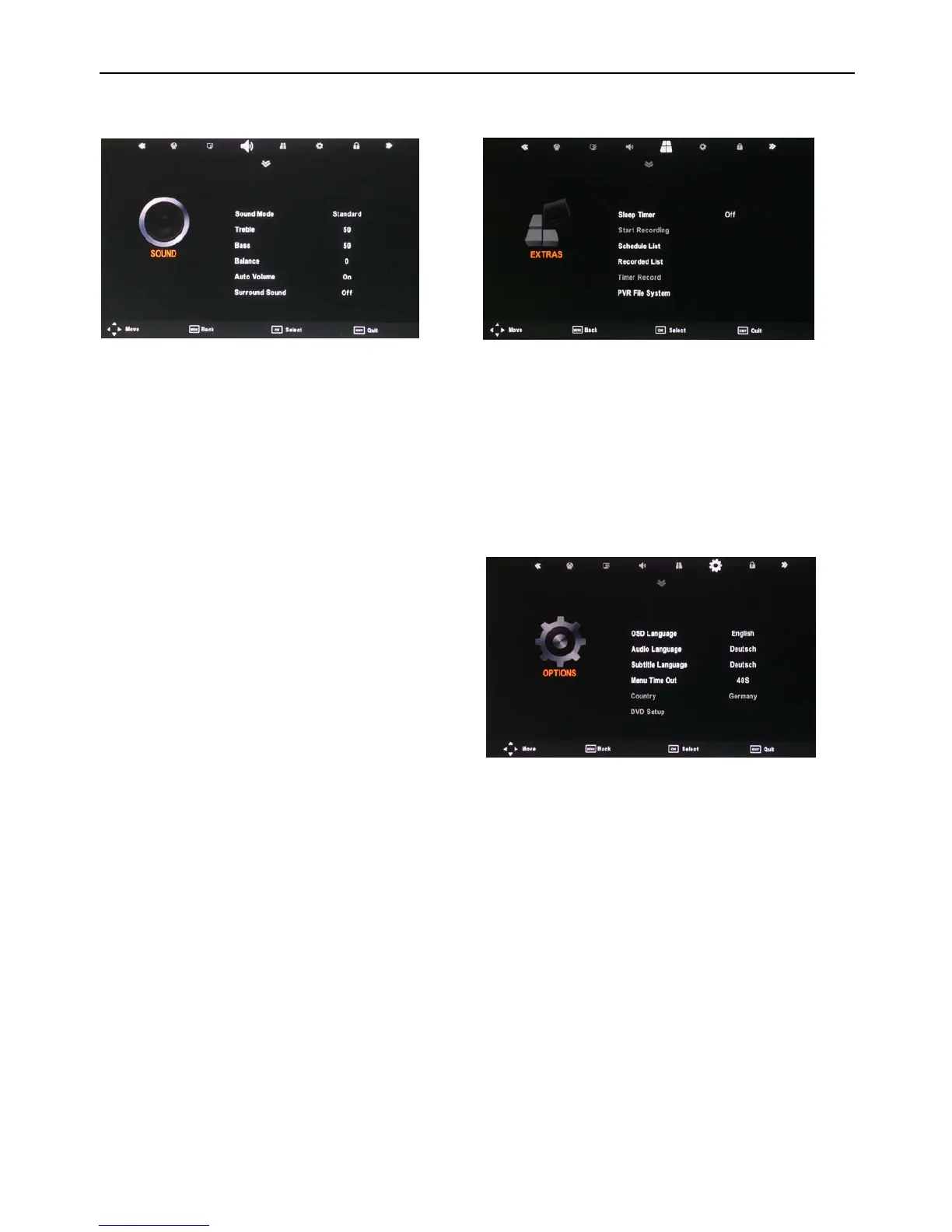
SOUND menu
Sound Mode: Allows
you to select among: Standard, Mu-
sic, Movie, Sports and User.
Treble (Can be adjusted when the sound mode is set to
User): Controls the relative intensity of higher pitched
sounds.
Bass (Can be adjusted when the sound mode is set to
User): Controls the relative intensity of lower pitched
sounds.
Balance: To adjust the balance of the left and right speak-
ers audio output, or turn off the volume of the left or right
speaker.
Auto Volume: This feature automatically adjusts the audio
level when the TV is turned on. This function is activated
by selecting “On“.
Surround Sound: Turn on / off the surround sound func-
tion by selecting “On“ or “Off“.
EXTRAS menu
Sleep Timer: All
ows you to setup the sleep timer: 10min,
20min, 30min, 60min, 90min, 120min,180min, 240min and
off.
PC Setup (PC mode only): Press the OK button to enter
the submenu to adjust the Horizontal / Vertical position or
Size and Phase of the picture.
To select automatic installation use the up down buttons
to highlight the option and press OK.
OPTIONS menu
OSD Language: Allows
you to select the on screen display
menu language.
Audio Language (can only be selected in DTV mode):
Select the audio language. The availability of this function
depends on the tuned-in channel.
Subtitle Language (can only be selected in DTV mode):
Select the subtitle language. The availability of this func-
tion depends on the tuned-in channel.
Menu Time Out: Allows you to setup the length of time
that the on screen display is visible: 5s, 10s, 15s, 20s, 25s,
30s, 35s, 40s.
Country: This is defaulted to Germany, but can be
changed by using the Auto tune function.
Restore Setting: Press the OK button to restore the fac-
tory default settings.
DVD Setup
Restore Setting



 To Next Page