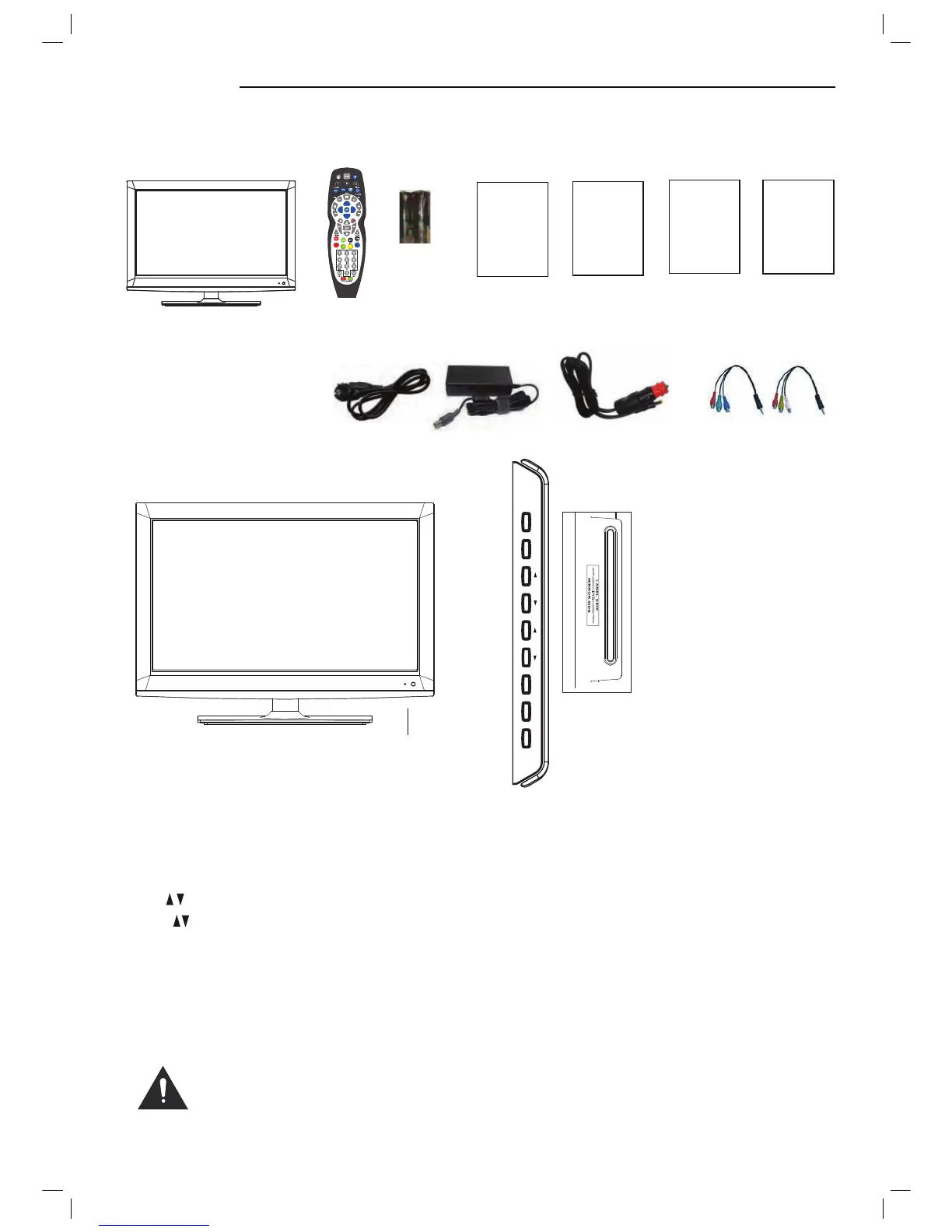
Unit and Accessories
TV set
Remote Control
Batteries
for Remote
Control
Getting Started
Packaging materials are not toys. Please keep away from
children. Plastic bags can cause suffocation when pulled
over the head.
6
Quick Start Guide
Quick Start Guide
Warranty Card
Warranty Card
User Guide
User Guide
5
The functions of the TV buttons are described below.
Eject: Press to open DVD room.
Play: Press to play disc.
The functions of the DVD buttons are described below.
Insert disc according
to the label next to
the disc slot
Front view
LED Indicator
Remote Control Window
(keep clear)
TV/AV MENU CH VOL PLAY EJECT STANDBY
TV/AV: Press to display the input source menu.
MENU: Press to display the OSD menu, press again to exit the menu.
CH : Press to skip through the channels.
VOL : Press to adjust the volume.
STANDBY: Power switch.
Instruction for
attaching the stand
Instruction for
attaching the stand
Converter cable for
AV and YPbPr video
Power cable
Mains adapter
Car adapter



 To Next Page