Hot Wire Anemometer
9
8.3 Menu Description:
8.3.1 Set Duct Area
There are 3 types : Duct Area (AREA), Round Duct (
○
), Rectangle Duct (
),
(1) Press the
button to select the type and then press the button to confirm your
choice.
(2) If duct area is chosen, the “ AREA ” symbol will displayed. (Fig.2)
Press the
or button to set the size from 1 cm
2
to 40 m
2
(0.001 to 430.0 ft
2
).
Press the
button to store the value.
If round duct is chosen, the (
○
) symbol will displayed. (Fig.3)
Press the
or button to set the size (diameter) from 1 to 635 cm (0.4 to 250 in).
Press the
button to store the value.
If rectangle duct is chosen, the “
X ” symbol will displayed. (Fig.4)
Press the
or button to set the size of the duct ,then press the button to store
the value and advance to the next dimension, the “
Y ” symbol will displayed.
Press the
or button to set the size of the duct.
Press the
button to store the value.
8.3.2 Set Absolute pressure
Press the or
button to set absolute pressure from 100 to 2000 hpa (59 to 2.95 inHg)
and then press the
button to store the value.
8.3.3 Set auto power off time:
Press the
or
button to select auto power off option 10, 30 minutes, 1, 2, 4, 8 hours,
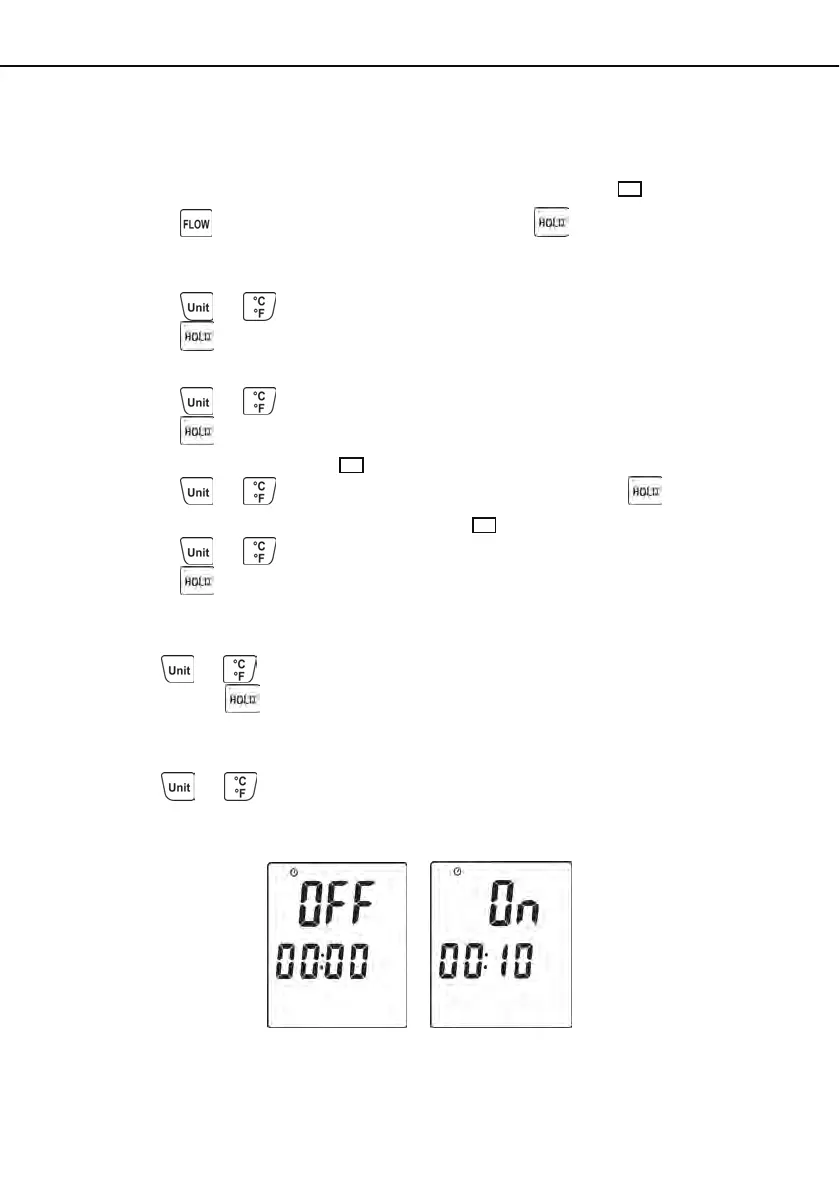
or off. (see Fig.8 or Fig.9)
Fig.8 Fig.9



 To Next Page