Hot Wire Anemometer
7
(4) Press
button again, the “ , and ” symbol blinks together, the
reading shows real time data.
To exit MAX/2/3V MAX/AVG mode:
Press and hold
button for 2 seconds to exit MAX/2/3VMAX/AVG mode.
7.5 Unit Button:
Press to select the desired unit of air velocity.
7.6 °C/°F Button:
Press
to select the desired unit of temperature.
8. OPERATING INSTRUCTIONS
8.1 Setup Options:
(1) Power off the meter and then press the and button for 3 seconds to enter setup
mode. Press
to exit anytime.
(2) Press the
button to enter the setting option.
(3) Press the
button to save changes and move to next setting option.
8.2 Menu Item:
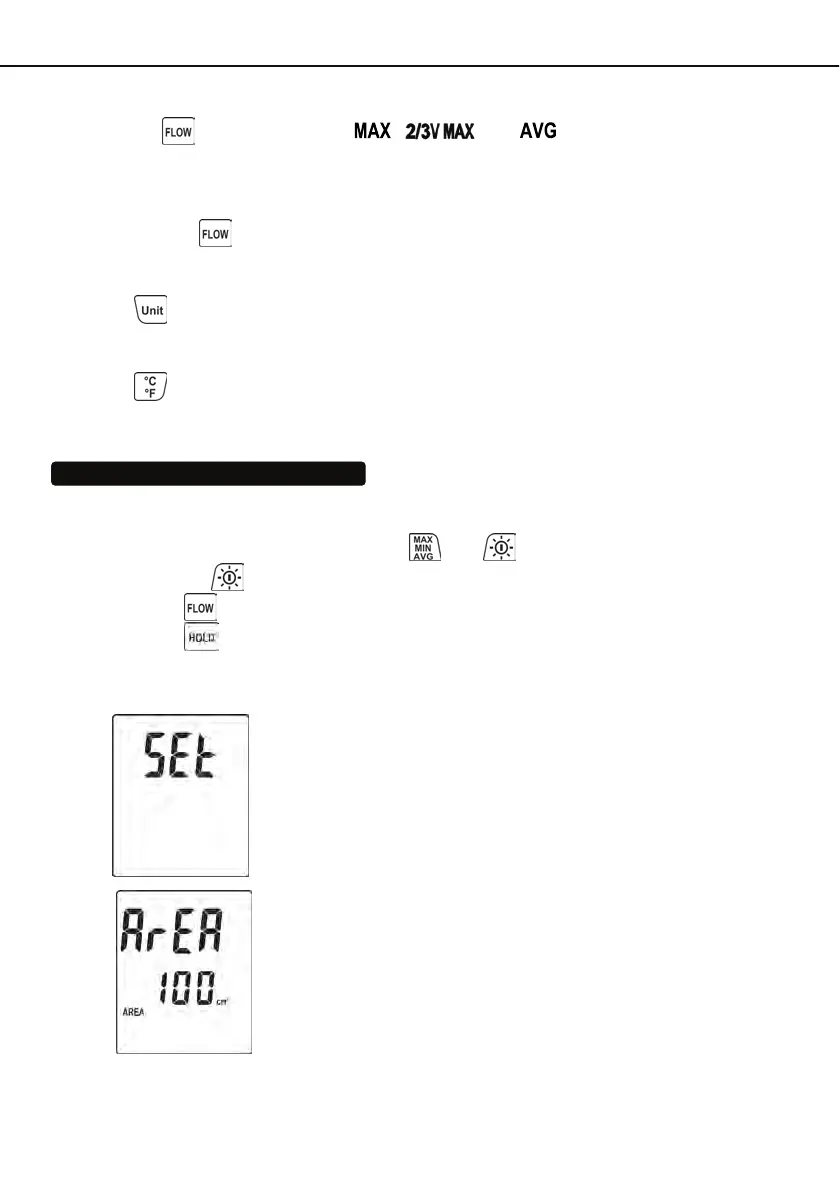
(1) Fig.1 Setup mode.
(2) Fig.2 Set Area.



 To Next Page