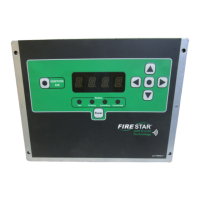
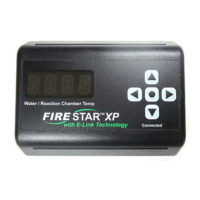
11
FORGE OUTDOOR COAL FURNACE • OWNER'S MANUAL
To Lock/Unlock Controller
e controller can be locked to prevent unauthorized access to the controller
settings. To lock the controller: Press the button four times within three
seconds. e LED display will indicate (locked) for several seconds. To unlock
the controller: Press the button four times within three seconds. e LED
display will indicate (unlocked) for several seconds.
NOTE: The controller settings can be locked while the controller is o. If the controller
settings are locked while the controller is o, they will need to be unlocked in order to
turn the controller on.
Power Outage
In the event of a power outage, all controller settings will be saved. When
power is restored, the controller will continue operating as it was prior to the
power outage.
Setup Mode and Adjusting FireStar Settings
One of the most powerful features of the FireStar Combustion Controller is
that it provides you with numerous settings you can customize and ne-tune
to the types of fuel you are burning. is can help you obtain the cleanest and
most ecient operation of your outdoor furnace that is possible.
To Enter Setup Mode
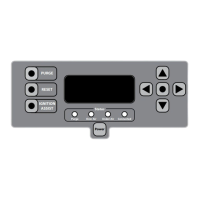
Press and hold the Menu button for 10 seconds until the LED display
changes from the water temperature to 1.
Changing Control Variables
While in Setup Mode, refer to the following Variables Chart and select the
control variable you want to change using the or buttons. Press the
button to select the variable by menu number. Use the or buttons to
adjust the variable to the desired setting. Press the Menu button to save the
setting and return to Setup Mode.
To Exit Setup Mode
Wait 10 seconds (without pressing any buttons) and the controller will
automatically exist Setup Mode.


 To Next Page