4
FORGE OUTDOOR COAL FURNACE • OWNER'S MANUAL
Overview
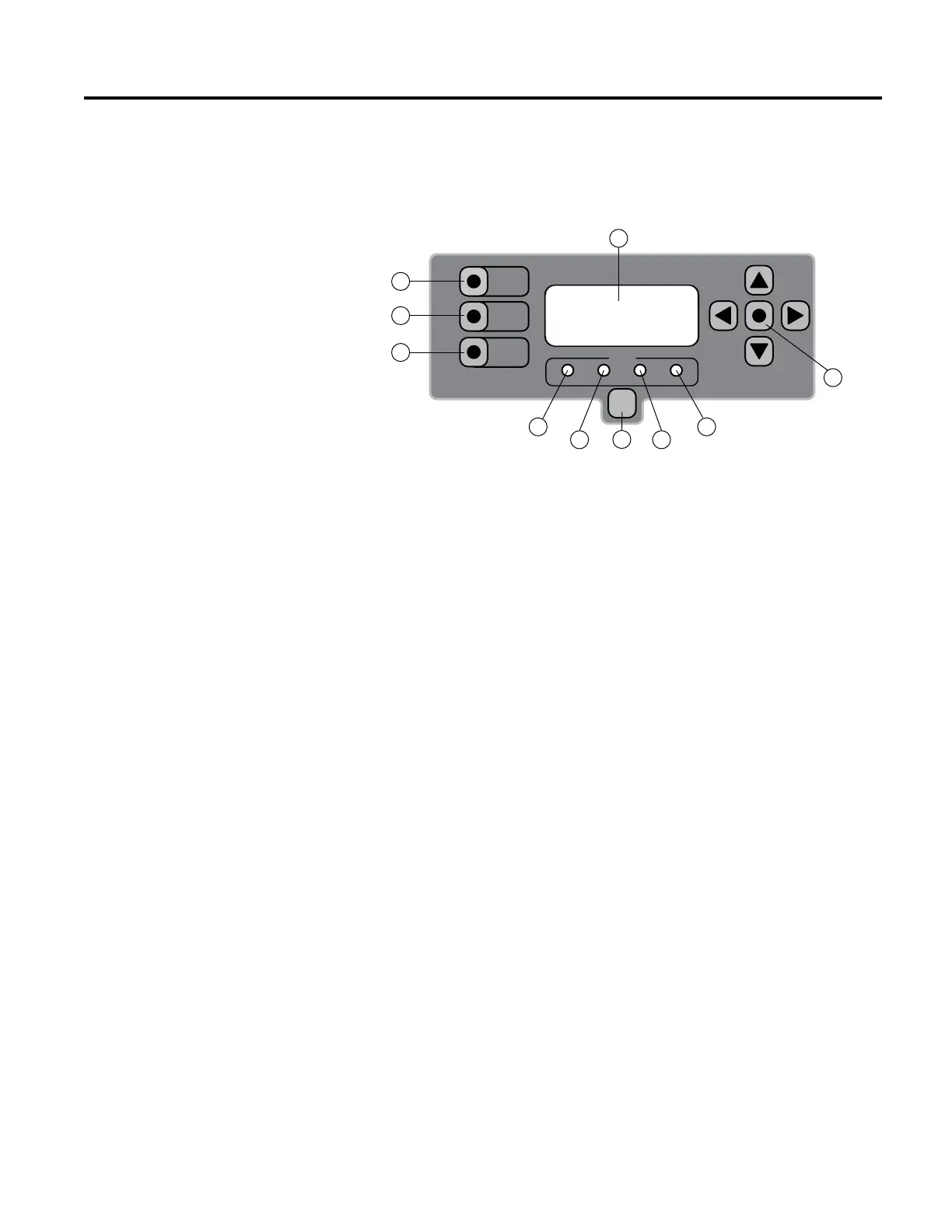
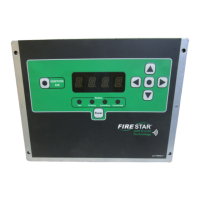
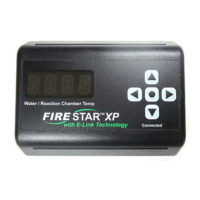
FireStar Combustion Controller
Status
Purge Over Air Under Air Connected
Power
PURGE
RESET
IGNITION
ASSIST
1
3
2
4 6
5 5
7
8
9
e FireStar Combustion Controller uses a number of sensors, sophisticated
actuator motors and programming to optimize the operation of the outdoor
furnace. e controller adjusts the over and under air (air that is added both
over and under the re) to optimize the combustion process, which makes the
outdoor coal furnace more ecient and cleaner burning. e controller will
display an alarm if it detects a problem (e.g., the water level is low or the re
has gone out).
As the operator of the outdoor furnace, you will be able to adjust the variables
and parameters of the FireStar to obtain a cleaner and more ecient burn.
Some variables can be changed to match the outdoor furnace operation to the
heat load, type and size of coal, etc.
Before operating the FireStar Combustion Controller, become familiar with
the information the control panel provides and with the procedures for making
changes to settings. e controller has been programmed with default settings
that are generally intended for burning bituminous coal; however, the settings
may be adjusted to match your fuel type and heating requirements.
1. Power button - used to turn the FireStar Combustion Controller on and
o. It does not disable all electrical power to the furnace.
2. LED display - alternates between the furnace water temperature (displays
for 6 seconds) and the temperature of the ue gas just before it enters
the chimney tee (displays for 3 seconds). Other information will also
be displayed on the LED display depending on setting, modes, alarms,
warnings, etc.
3. Menu button - can be used in conjunction with the navigation (directional
arrow) buttons to make changes to settings.
4. Purge LED - illuminates to indicate the outdoor furnace is in Purge mode.


 To Next Page