19
FORGE OUTDOOR COAL FURNACE • OWNER'S MANUAL
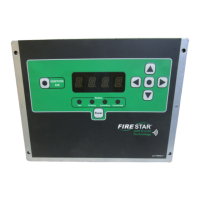
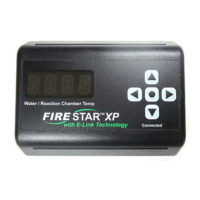
9. Watch the connection LED as the control enters wi- setup mode.
When the LED is a steady blue (not ashing), the control is ready to be
congured.
10. On a smartphone or other wi- enabled device, nd the Firestar_XXXX
network and connect to it.
11. Using a web browser on the connected device, navigate to www.wiset.net.
12. Your browser will display the FireStar Setup page. Select the wi-
network SSID you would like to connect to. Select your wi- security
type and enter your wi- password and furnace serial number (SSID and
password are case-sensitive).
13. Click the connect button. e control will now turn o the
conguration network and attempt to connect to your selected wi-
network.
14. e connection LED will ash green while it is attempting to connect.
When the LED is a steady green, the control is connected to your
network.
15. If the control fails to connect, the connection LED will be steady
red. Verify your personal wi- network's SSID and password before
performing the setup steps again.
MYFIRESTAR.COM ACCOUNT
Connecting your FireStar to your home's wireless network will allow you
to take full advantage of the online features. Create your online account at
MyFireStar.com and access information about your furnace from anywhere via
your web browser, smartphone or other web-enabled devices.
Record your User Name and Password once you have created them for your
MyFireStar.com account.
__________________________________________________________
User Name
__________________________________________________________
Password


 To Next Page