49
50
9. Settings
9. Settings
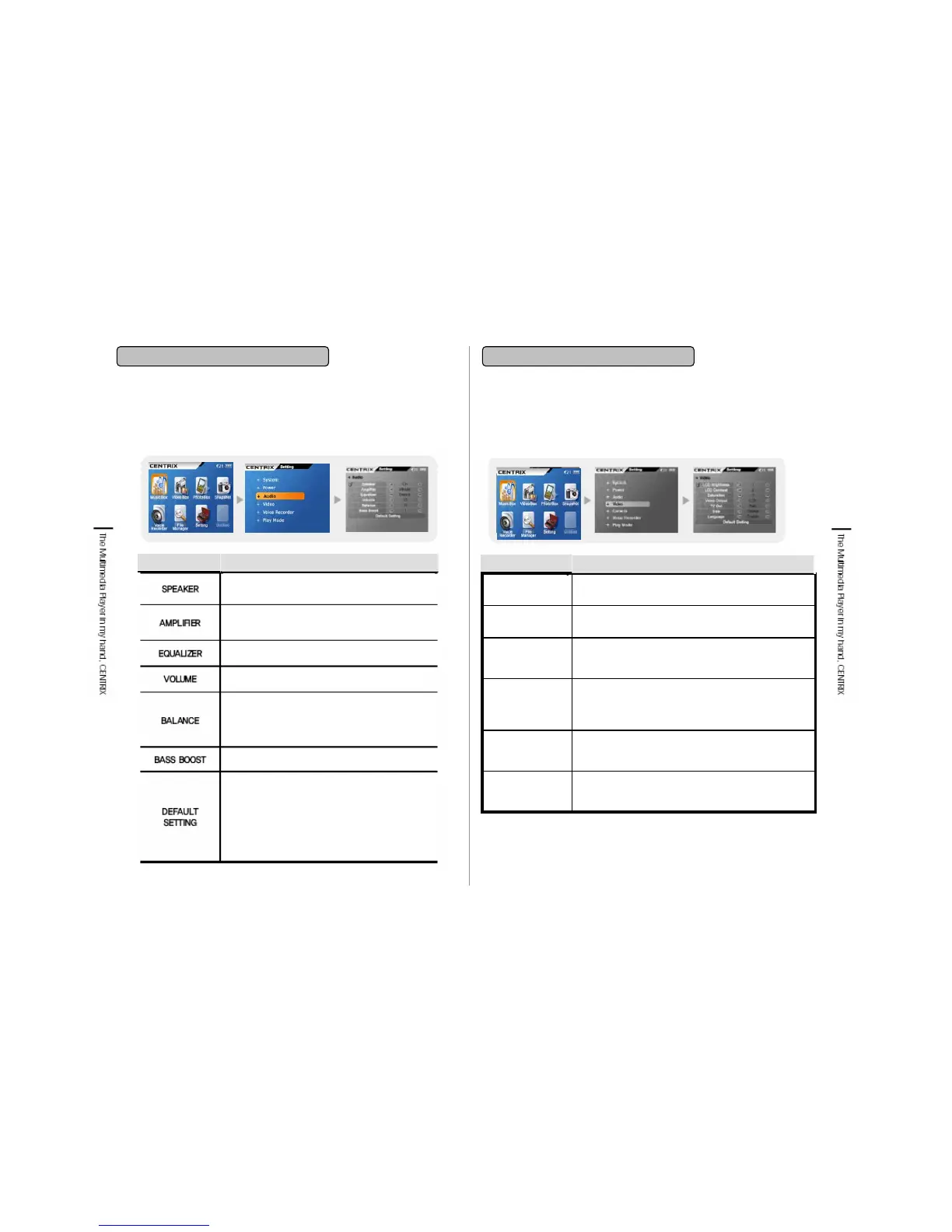
9-4. Audio
Item
Functions
9-5. Video
You can adjust the contrast between the color. Basic
setting is 15.
LCD
Contrast
The basic Video setting value is as below.
LCD Brightness : 15, LCD Contrast : 15
Size : Original, Language : English
Default
Setting
You can set the Video Display size whether you will
adjust it to the original resolution or to the Display size.
If you set as Screen size, it will be set as the entire size
of TV or LCD.
Size
You can set the display languages such as Korean,
English and folder name, file name, ID Tag, Sub title is
played as setting language.
Language
You can set the video signal output when Video Out is
set as TV. NTSC is applied in USA, Canada, Korea,
Japan etc and PAL is applied in Europe, Australia etc.
TV Out
You can set the LCD brightness. Basic setting is 15.
LCD
Brightness
Functions
Item
You can turn on/off the built-in speaker. The
basic setting is On.
You can set the Gain value of Audio output. The Low
is 20mW/C, Middle is 30mW/C and High is 40mW/C.
You can set Equalizer as Dance, Classic and etc.
You can set the Audio Volume from 0 to 30.
You can set the Balance of Right/Left audio
output. When it is +, the right sound is turned on
and for -, the left sound is turned on. When it is
0, the Right/Left output is same.
You can set the Audio Bass enhancement.
You can initialize as a basic Audio setting value.
The basic setting is as below.
Speaker: On
Amplifier: Middle
Equalizer: Standard
Volume: 15
Balance: 0, Bass Boost: Linear


 To Next Page