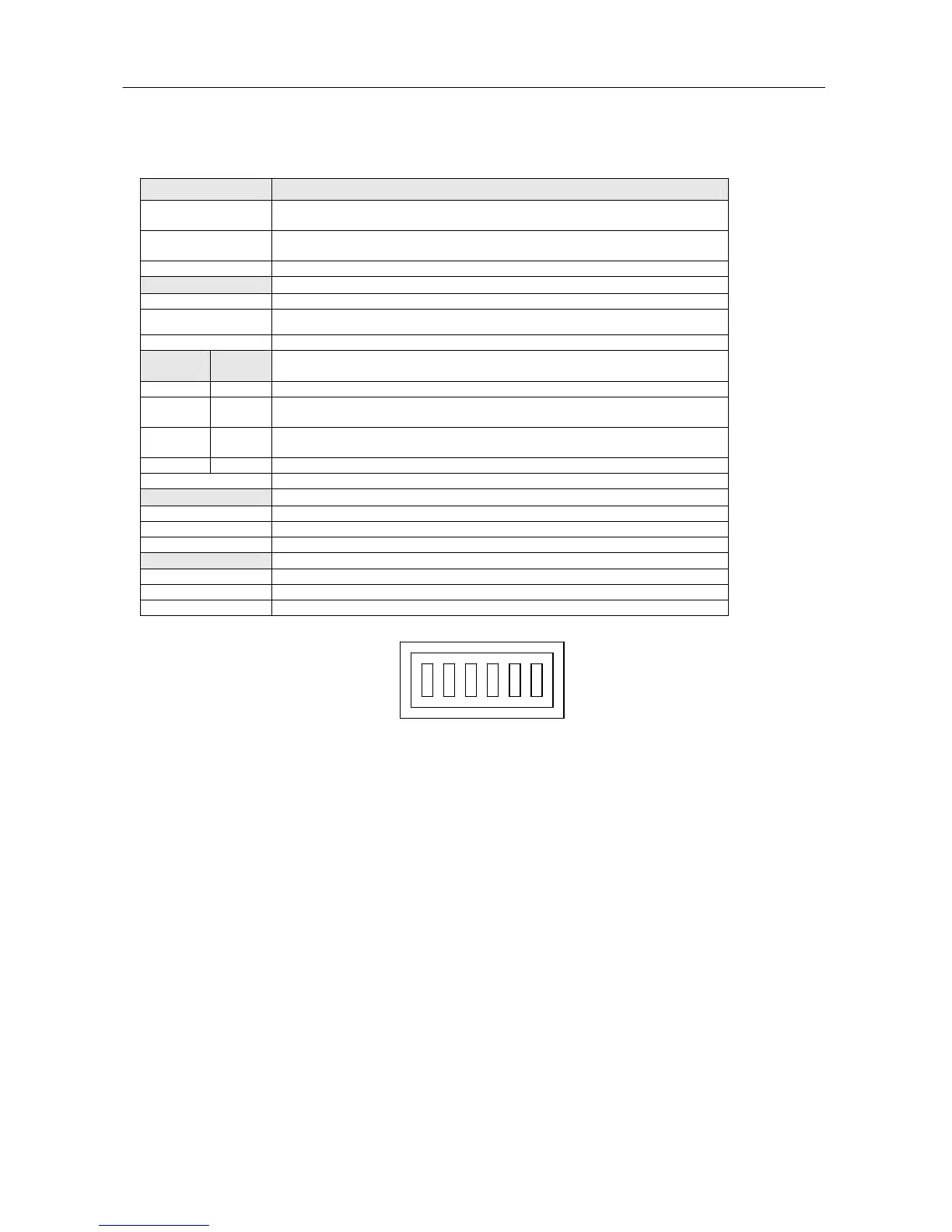
DIP switches setting
PV037-LSK/PV057/PV058 DIP Switches setting
SW1
System Menu
ON No t dis play s ys t e m m enu, g o to ON- L INE com munic a tion after
turns on .
OFF Di splay system menu when turns on. No t go to ON-L I NE
commu nicati o n.
SW2
Emergenc y r e covery the HMI BIOS to defau l t value.
ON Set to def a ult OS version or cust o mized OS versio n.
OFF Set to def a ult BIOS versio n B.
SW3 SW4
HMI operation mode (Supports special functions for customized BIOS
version)
OFF OFF Re served
ON OFF To exec u te HMI Commu n icatio n test i ng pro g ram (SW 1,2 must
set to Off)
OFF ON To exe cute Key ad justme nt program or Touch adju s tment
program ( S W 1 , 2 must s et to Off)
ON ON To exec ute HMI a pplica tion prog ram
SW5
Re served
ON Re served
OFF Re served
SW6
Re served
ON Re served
OFF Re served
654321
***The PV037/PV057 has a BIOS password recovery system to prevent damage when
missing password. When you forget the password, which has been set to the HMI, this
HMI can execute RUN AP/Calibrate operation but cannot execute BIOS/Download
AP/Clear SRAM operations. When the users want to download new AP without
password, please set all DIP switches to off (SW1-6=Off), When turns on HMI again,
the HMI will display the clean all AP and old password screen. After proceeding this
procedure, the HMI can be operated normally again.
For some models of the PL037-LSK/PL037-LST/PV037-LNT/PL035-TST/PV035-
TST/PV035-TNT/GD057-LST/GD058-TST there are no dip switch.



 To Next Page