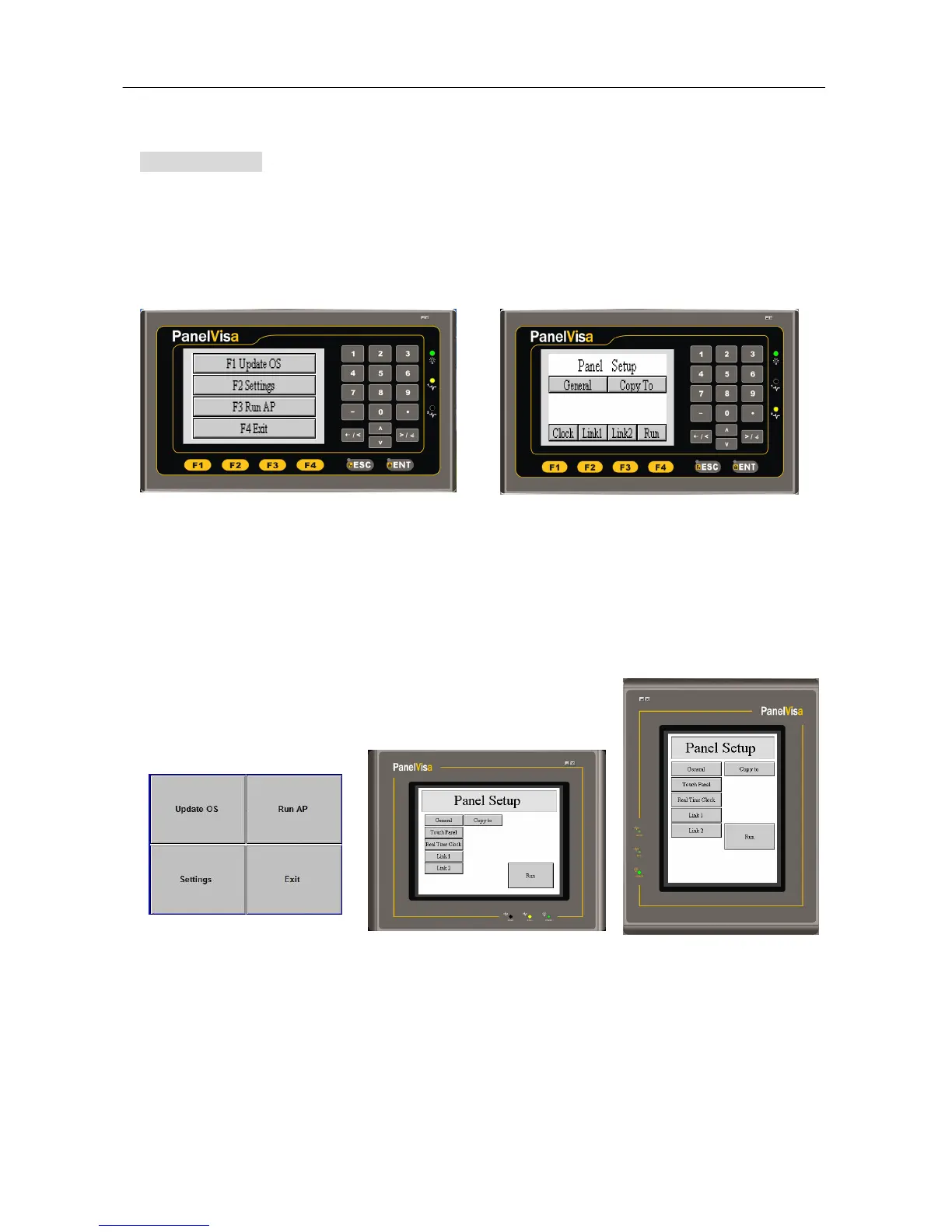
Startup menu
DIP-SW Model:
If the DIP SW1 set to off, after self-testing the PV037/PV057 will show startup menu as
following figures.
The Startup menu of PV037-LSK is shown as below.
Situation 1: When SW2=OFF, it will show the default BIOS Ver. B.
Situation 2:When SW2=ON, it will show the Panel Setup screen or customized Version
screen.
The startup menu of PV057 is shown below.
Situation 1: When SW2=OFF, it will show the default BIOS Ver. B.
Situation 2: When SW2=ON, it will show the Panel Setup screen or customized version
screen.



 To Next Page