16-11
2
2
2
3
4
5
6
6
8
9
9
11
12
13
14
16
16
17
17
18
18
18
18
18
SAVE FUNCTION
With the SAVE function it is possible to create a file in the programmer SD card for saving the operator
profile parameters.
Procedure
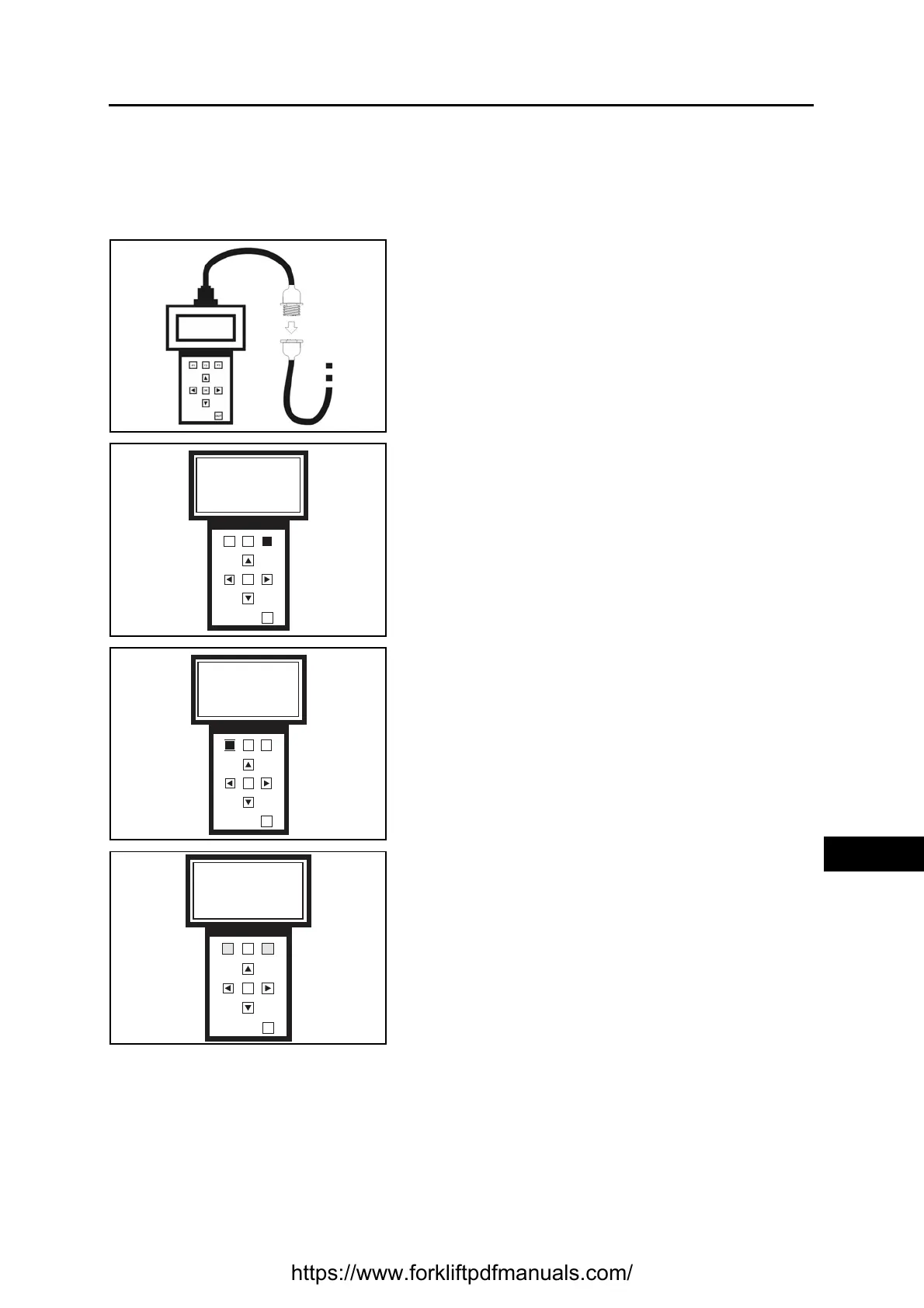
1. Connect the programmer and turn on the truck (see
specific paragraph)
Wait a few seconds for the data to load
2. Press F3 to select the function SAVE/RESTORE
3. Press F1 to select the SAVE function
4. Press F1 to save all the profiles (0-1-2-3-4)
Press F3 to save only a determined profile
F1 F2
F3
OK
OUT
Please select funct
Programmer
Save/Restore
PROG S/R
F1 F2
F3
OK
OUT
S/R selected
Please select funct
SAVE RST DEL
F1 F2
F3
OK
OUT
Please select
Profile to save
ALL CHOOSE
https://www.forkliftpdfmanuals.com/



 To Next Page