10. Lighting, Instruments, Switches
Removal and Installation
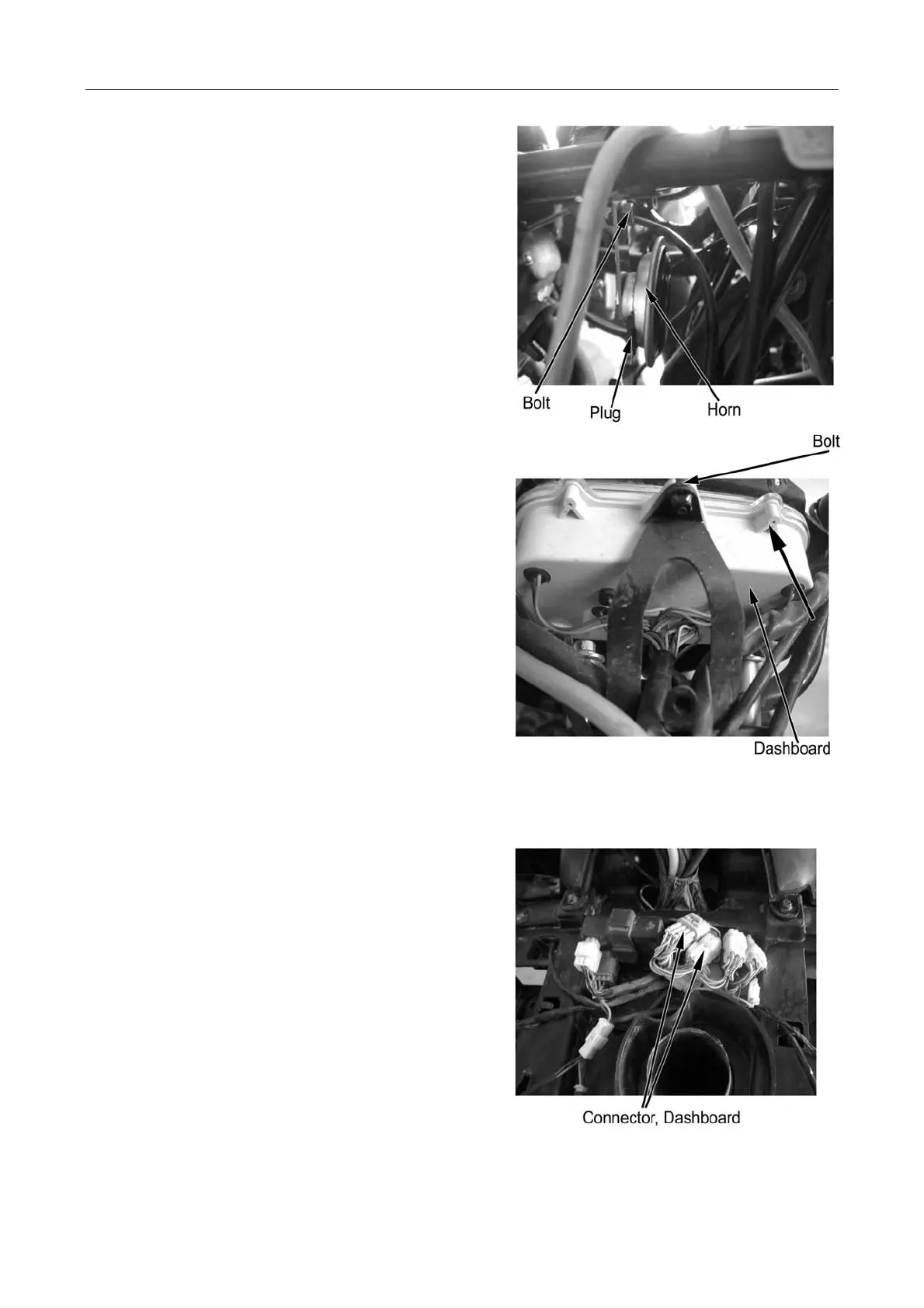
Remove horn plug.
Remove fixing bolt and horn.
Reverse the removal procedure for installation.
Dashboard
Run the vehicle at low speed and check if the speed
indicator moves.
Faulty speedometer: →Replace
Removal and Installation
Remove front top cover (→2-4)
Remove front cover of dashboard (→3-12)
Disconnect dashboard wire connector.
Remove fixing nut and remove dashboard in the
direction as illustrated on the right
Reverse the removal procedure for installation.
Note:
Main cables and wires shall be routed properly.
10-9



 To Next Page