EasyManua.ls Logo

CHART Trifecta XPro Series - Operation; Parameter Settings; Reset Values; Setting Pressure Set Points

Default Icon
56 pages
Print Icon
To Next Page IconTo Next Page
To Previous Page IconTo Previous Page
Loading...
15
Product Manual - Trifecta
®
XPro Series
Parameter Settings
Initial power up from the factory will require some

the lower line of the main display. No valves will operate


weeks.
Reset Values

the MON/OFF/RUN switch found on the front of the control

the lower line of the main display. The valves will not be
controlled by the PLC when “Monitor” is in the display.
Note: 


operations continue. Reset parameters




position.
Operation
Setting Pressure Set Points
Three settable parameters are accessible from the PLC
buttons. These parameters are key to setting all parameters.
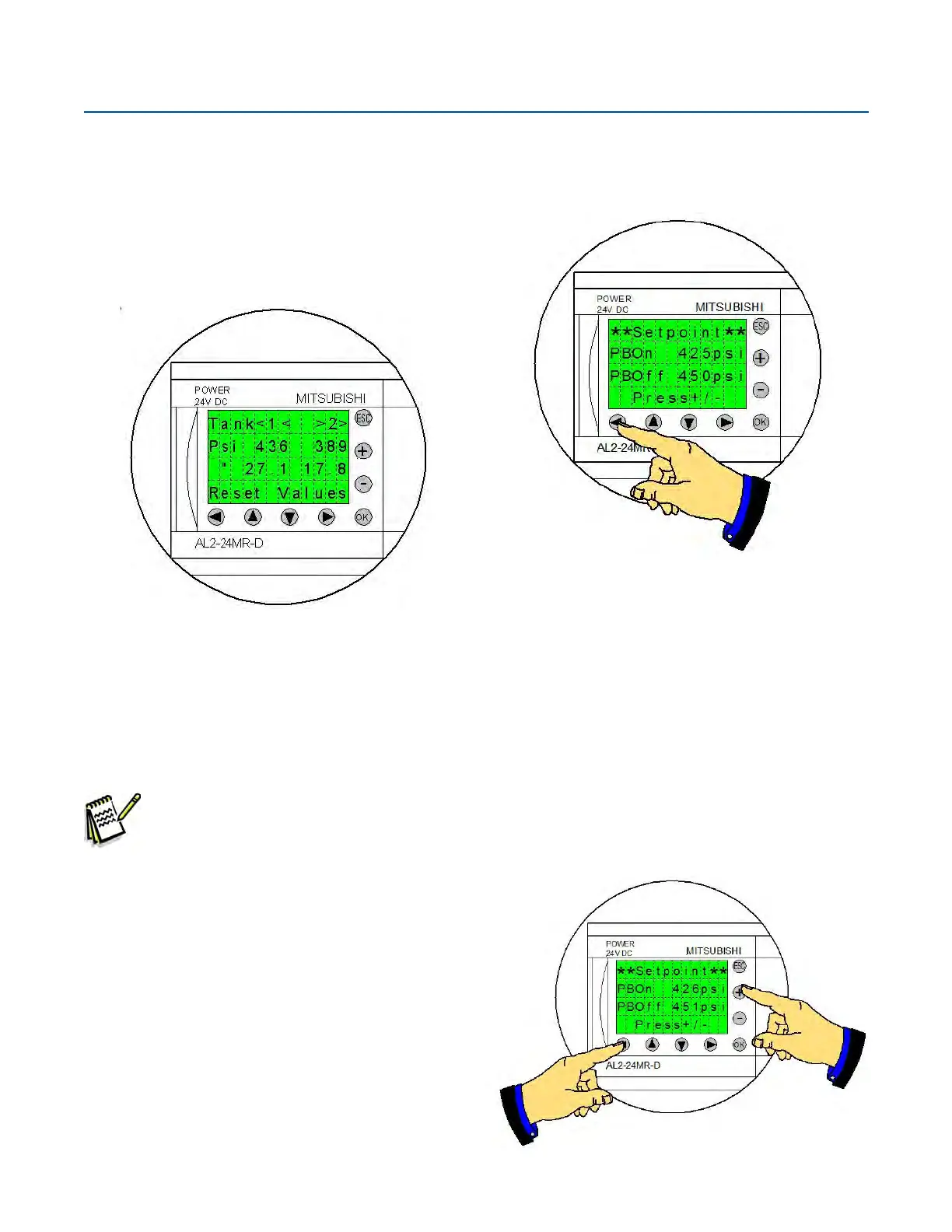
Pressing the “Left” arrow button accesses the pressure
building set points.

“PBOn” set point.
At the “PBOn” pressure the system turns on the primary
tanks PB valve.


The secondary tanks PB “Hold” pressures are a function
of these values.
Pressing and holding the “Left” arrow and pressing the
“+” button or the “-” button will adjust the set points.

Table of Contents

Related product manuals