Intelect® Mobile Stim
SETUP
34
INSTALLING THE BATTERY PACK continued
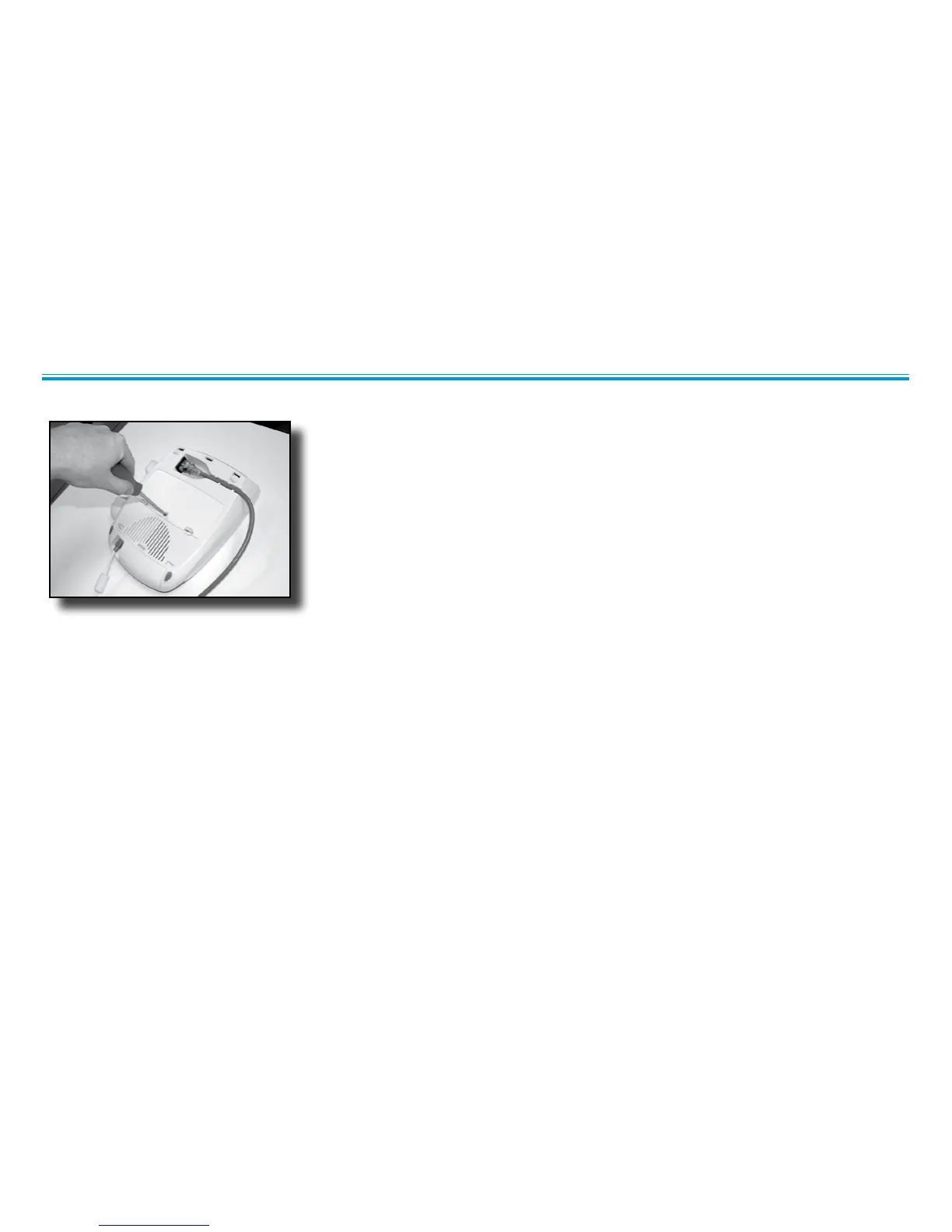
5. Replace the battery access door and re-tighten the screw using the screwdriver.
6. Reverse the steps in this section in order to remove the battery pack.
CHARGING THE BATTERY PACK
The battery pack is automatically charged by the unit whenever there is mains power connected. Charging may be interrupted during
operation of the unit by the control circuitry to limit total power consumption. A fully charged battery will provide 2-5 hours of treatment
depending on the applicator and the pulsed mode used.
NOTE: Even when the battery pack is connected, the unit will default to mains power when plugged in.
USING THE BATTERY PACK
To save battery power, the Intelect® Mobile Stim is equipped with a “power off” function. This function is activated when the unit is powered
on and has been left idle for approximately 5 minutes, at which time the unit powers off. To restore power, press the Power On/Off button.



 To Next Page
 Loading...