Intelect® Mobile Stim
55
OPERATION
SYSTEM UTILITIES continued
Restoring Factory Settings
To restore the original language on the unit, do the following:
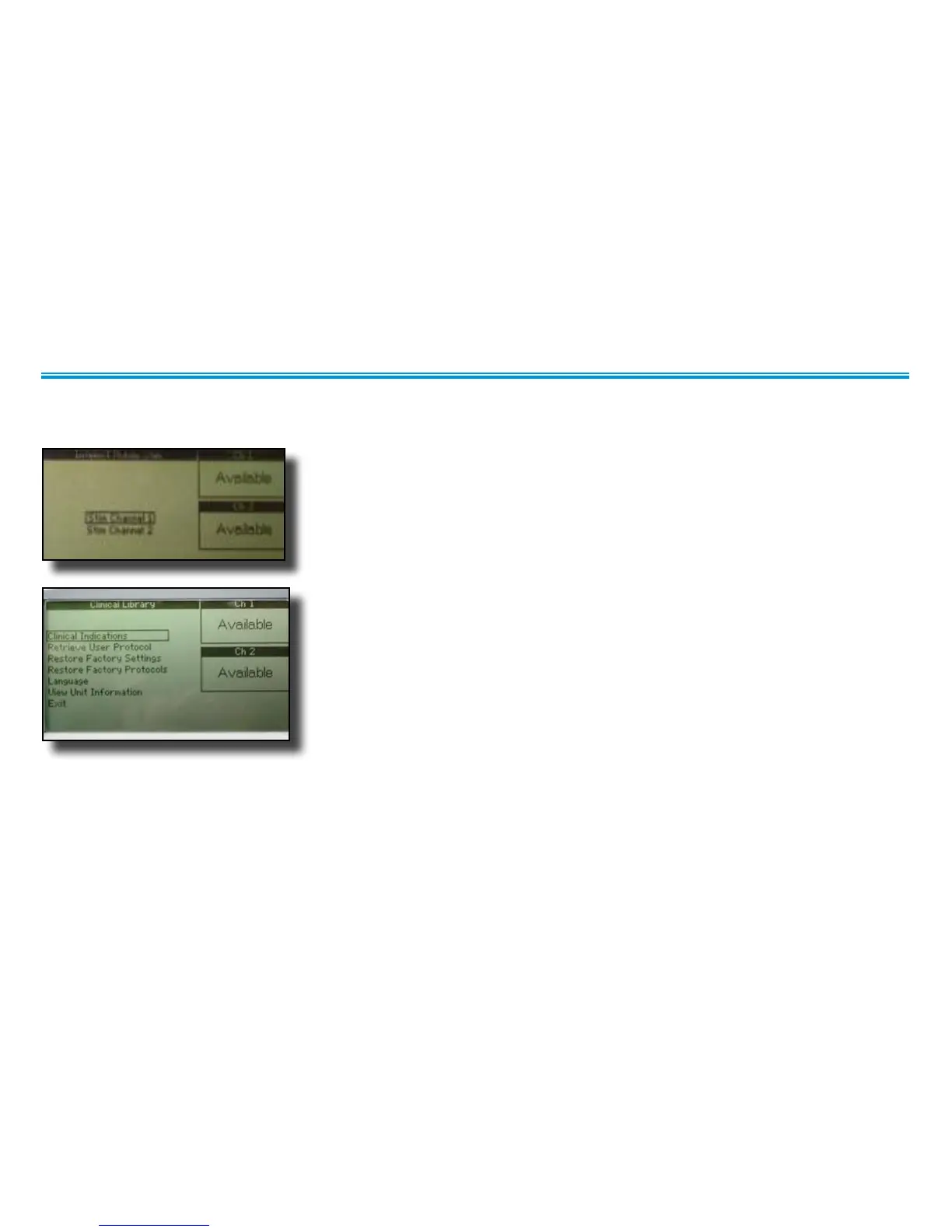
1. On the main window, press the Clinical Resources button.
The Clinical Library screen displays.
2. Press the Up Arrow or Down Arrow buttons to highlight the Restore Factory Settings
option.
3. Press the Enter button to accept the highlighted selection.
The Restore Factory Settings Confirmation screen displays.


 To Next Page
 Loading...