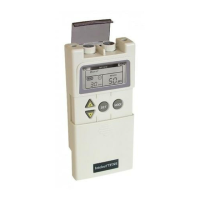
Intelect® Mobile Stim
56
OPERATION
SYSTEM UTILITIES continued
4. Press any button on the Operator Interface.
The default power up settings are restored and you are returned to the Clinical
Library screen.
Viewing Unit Version Information
Use this utility to determine the unit’s software version. To do this, do the following:
1. Press the Clinical Resources button.
The Clinical Library screen displays.


 To Next Page
 Loading...