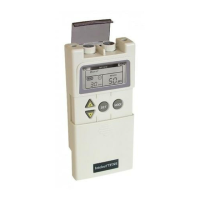
Intelect® Mobile Stim
47
OPERATION
USING CLINICAL INDICATIONS
The indications contained in this section are to be used only as guidelines. Each patient should be individually assessed to determine the
appropriateness of the parameter setting prior to use.
To select an indication for a patient, do the following:
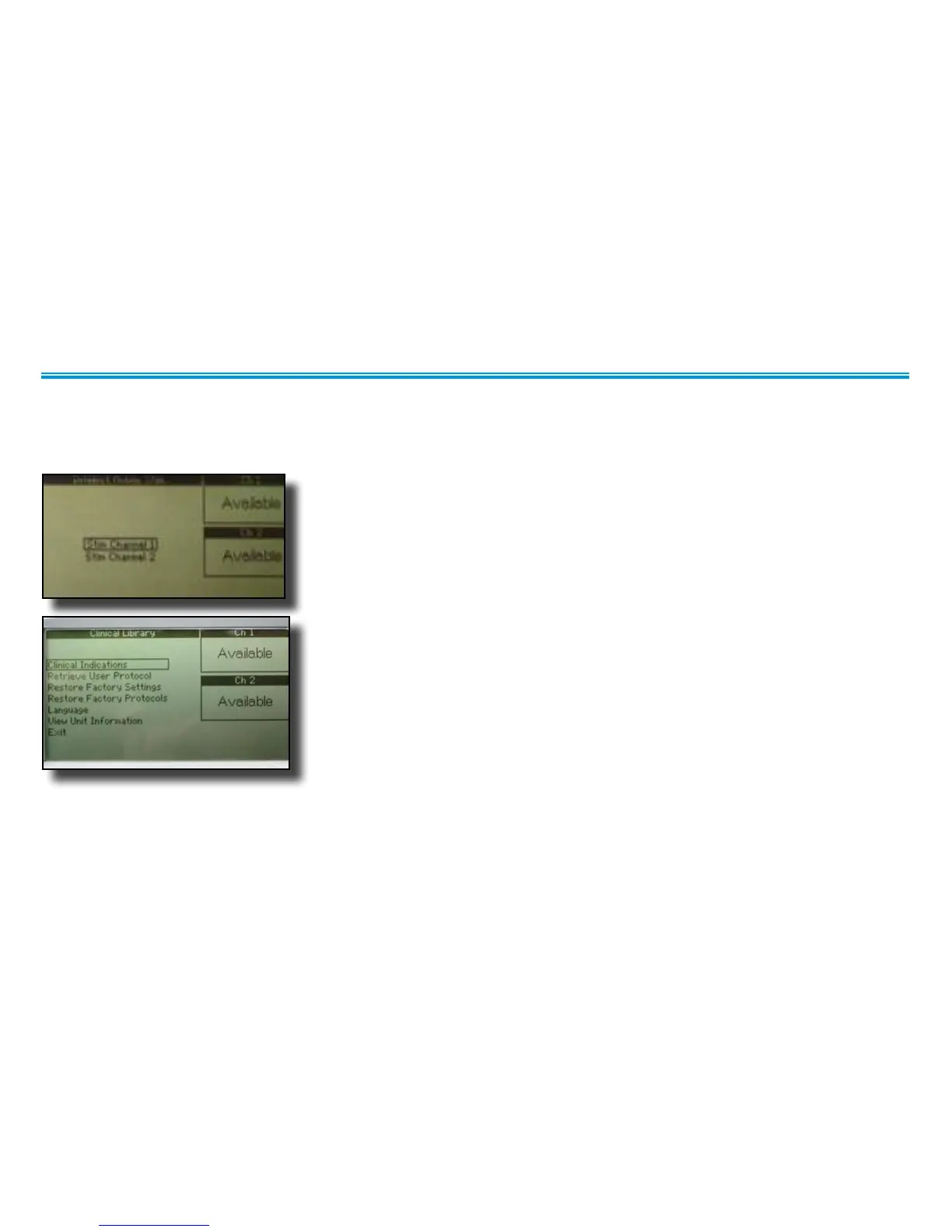
1. On the home screen, press the Clinical Resources button.
The Clinical Library window displays.
2. Using the Up Arrow and Down Arrow buttons, highlight Clinical Indications and
press
the Enter button.
The Clinical Indications menu displays.


 To Next Page
 Loading...