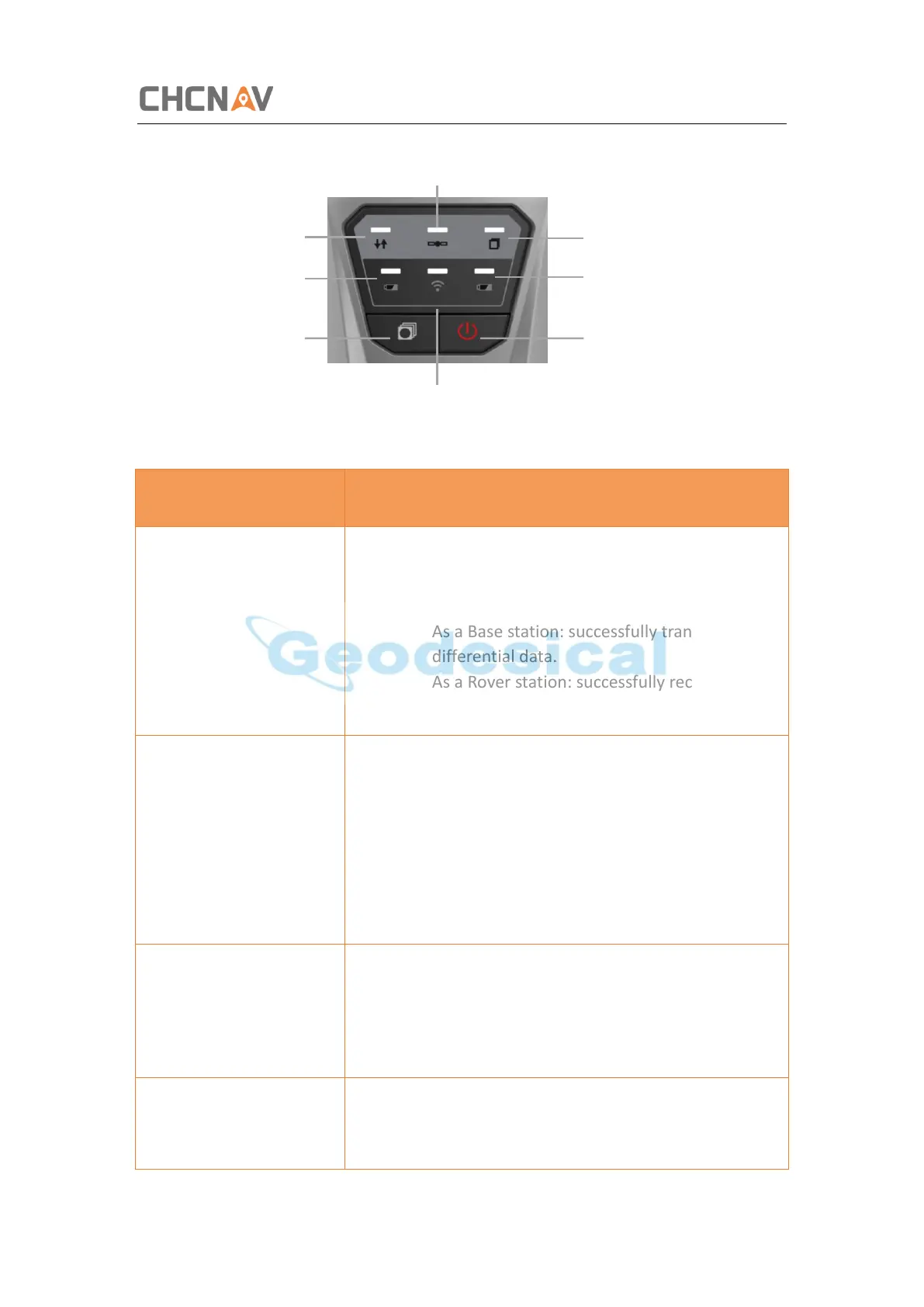
Getting Started with i50
CHCNAV i50 GNSS USER GUIDE | 2018-11 P a g e | 10
• Indicates whether the receiver is
transmitting/receiving differential data.
• The green LED flashes once per second when
As a Base station: successfully transmitting
differential data.
As a Rover station: successfully receiving
differential data from Base station.
• Shows the number of satellites that the
receiver has tracked.
• When the receiver is searching satellites, the
blue LED flashes once every 5 seconds.
• When the receiver has tracked N satellites,
the blue LED will flash N times every 5
seconds.
• Indicates whether the receiver is recording
static data.
• When the receiver is recording static data,
the yellow LED flashes as setting frequency.
Battery A LED/ Battery B
LED (Red)
• Indicates whether the receiver is out of
power.
• When the receiver is out of power, the red



 To Next Page