Basic Operation
CHCNAV LT800H GNSS TABLET USER GUIDE | 2023-08 P a g e | 12
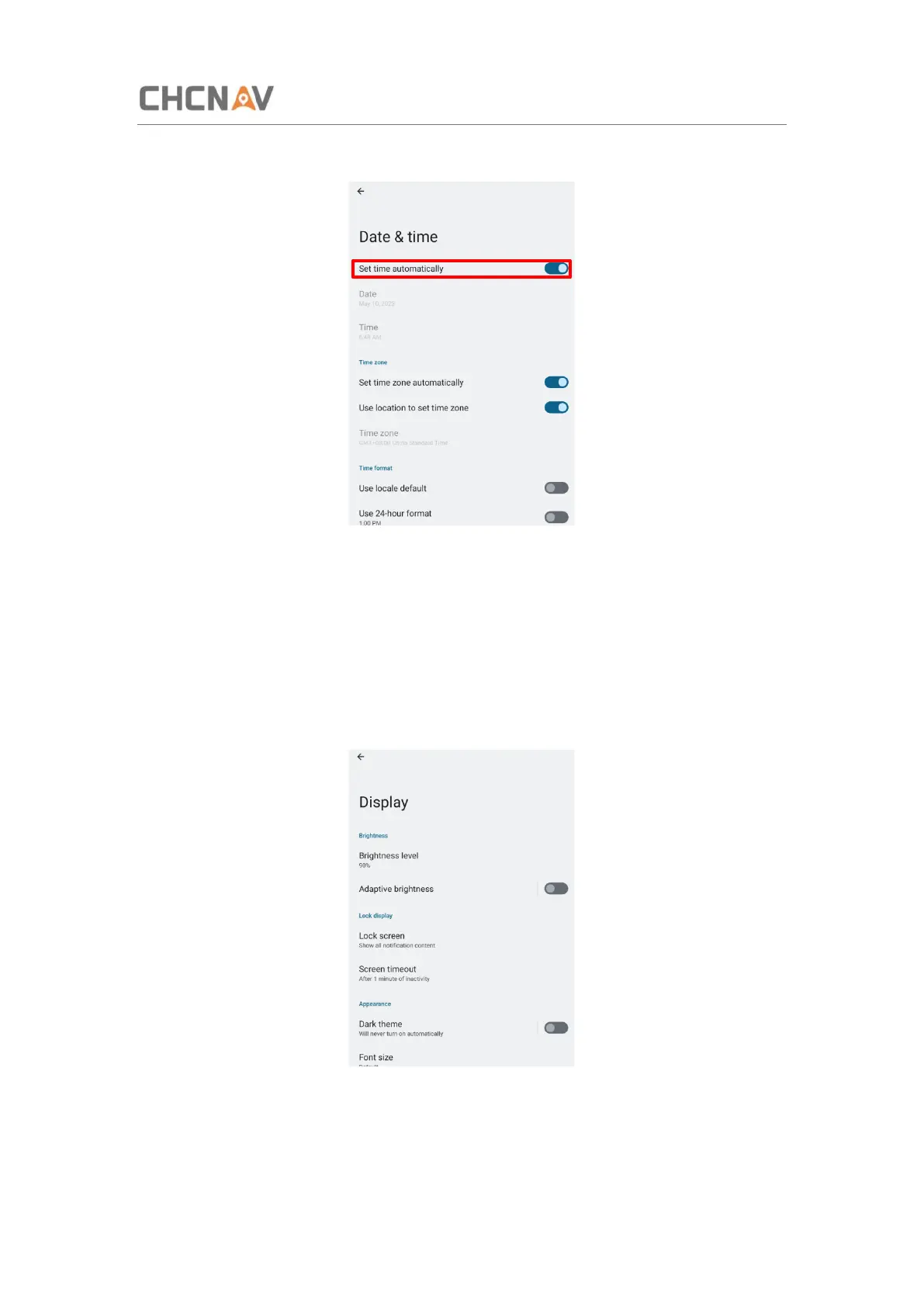
If you want to set date and time by yourself, please turn off the Set time automatically first
and then click Date and Time to start your settings.
You can also customize your time zone and choose whether to use the 24-hour format in this
interface.
3.4 Display
Click [Settings] – [Display] to enter Display interface.



 To Next Page