Basic Operation
CHCNAV LT800H GNSS TABLET USER GUIDE | 2023-08 P a g e | 18
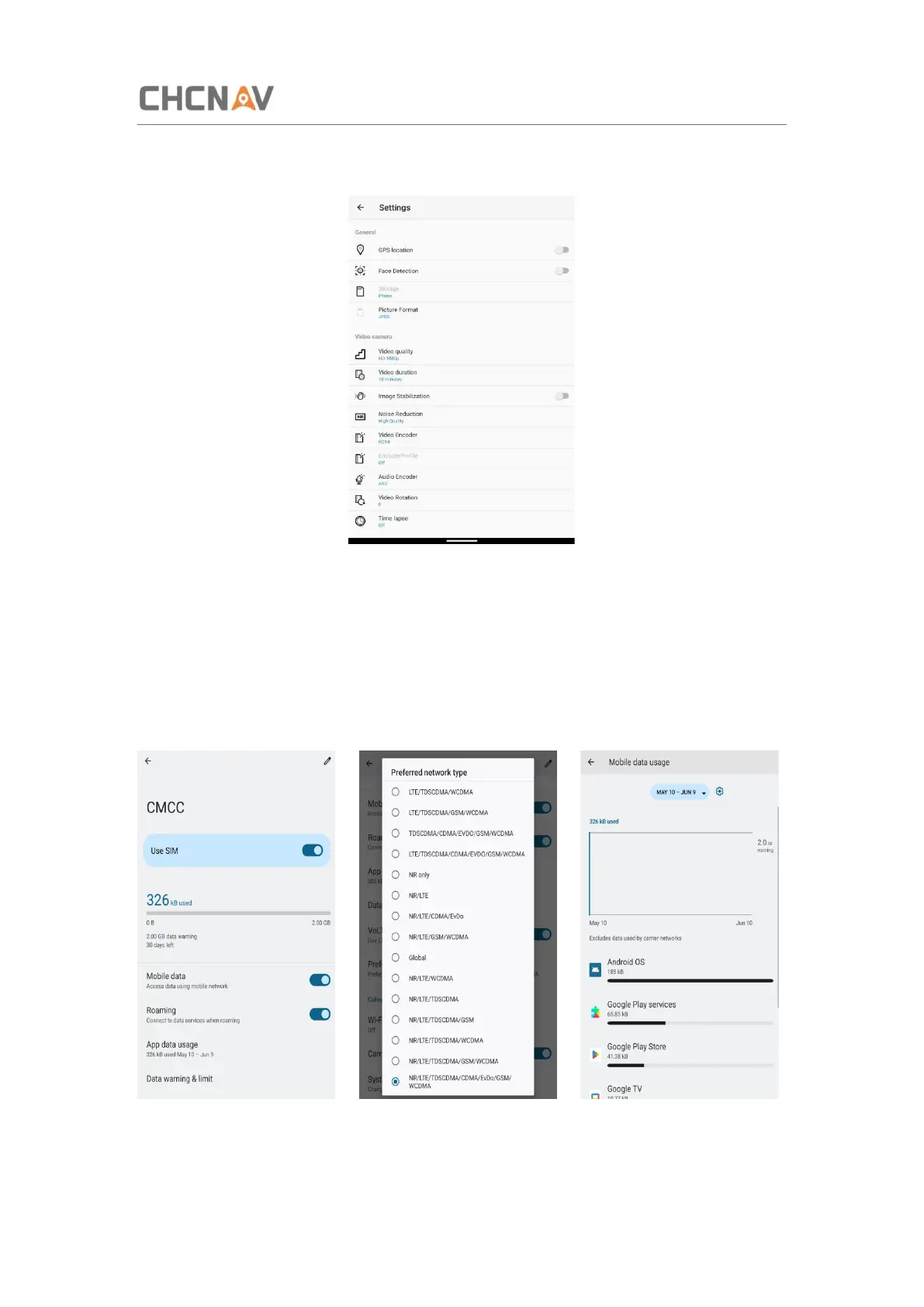
Click to configure related parameters.
3.9 Log in 4G
After inserting your SIM card, click [Settings] – [Network & Internet] – [SIMS] – [Preferred
network type] and select corresponding network type of your SIM card. Then turn on Mobile
data and click Data usage to see data usage.



 To Next Page