Basic Operation
CHCNAV LT800H GNSS TABLET USER GUIDE | 2023-08 P a g e | 16
3.7 USB Connection
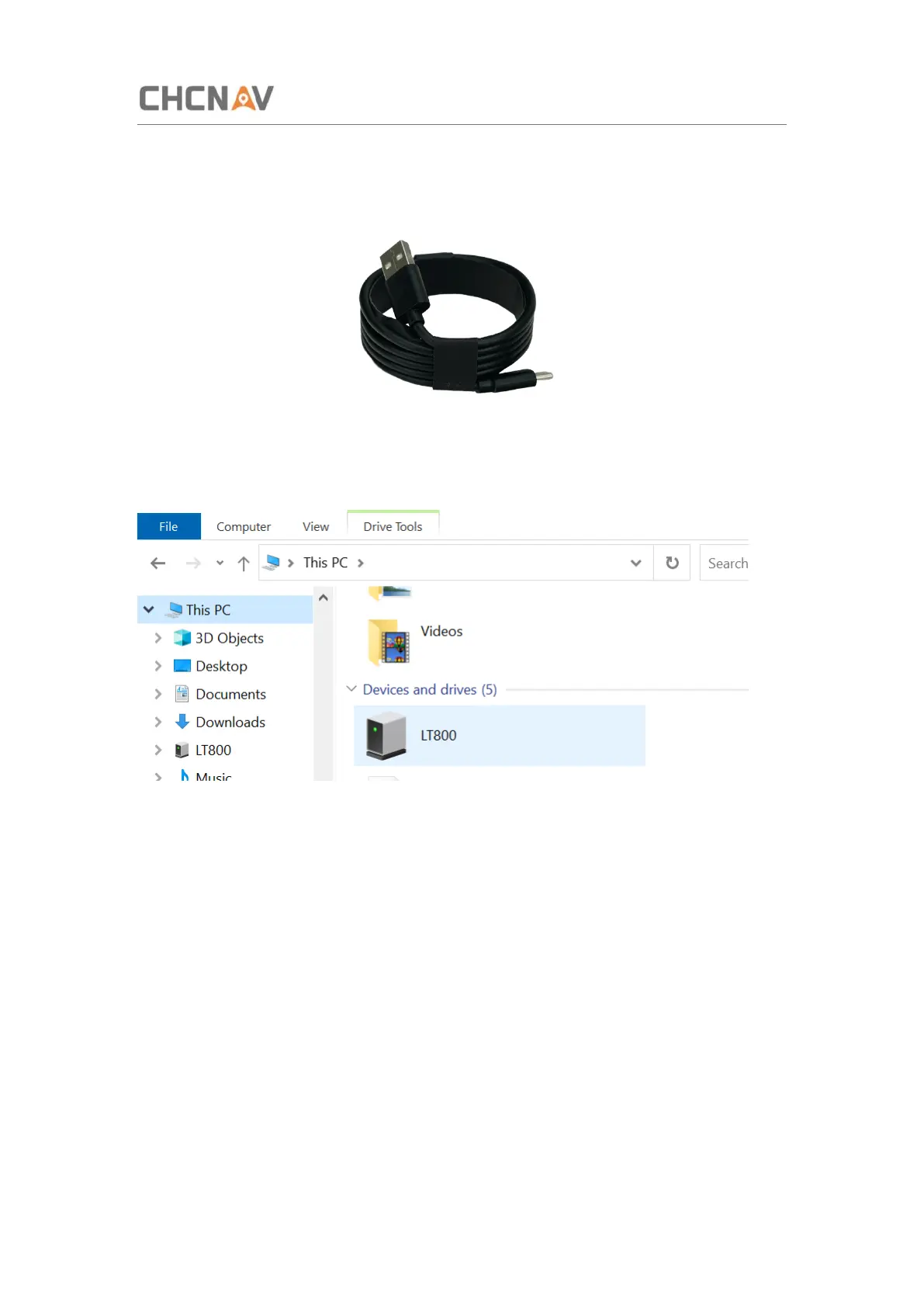
For connection or data transmission between LT800H and PC, please use the USB data cable
as shown below.
After USB data cable connecting with PC, the computer will recognize the storage space of
the LT800.
You can also use third-party software to manage the documents and data stored in LT800H
and install software such as GNSS Tool.



 To Next Page