Basic Operation
CHCNAV LT800H GNSS TABLET USER GUIDE | 2023-08 P a g e | 19
3.10 Location
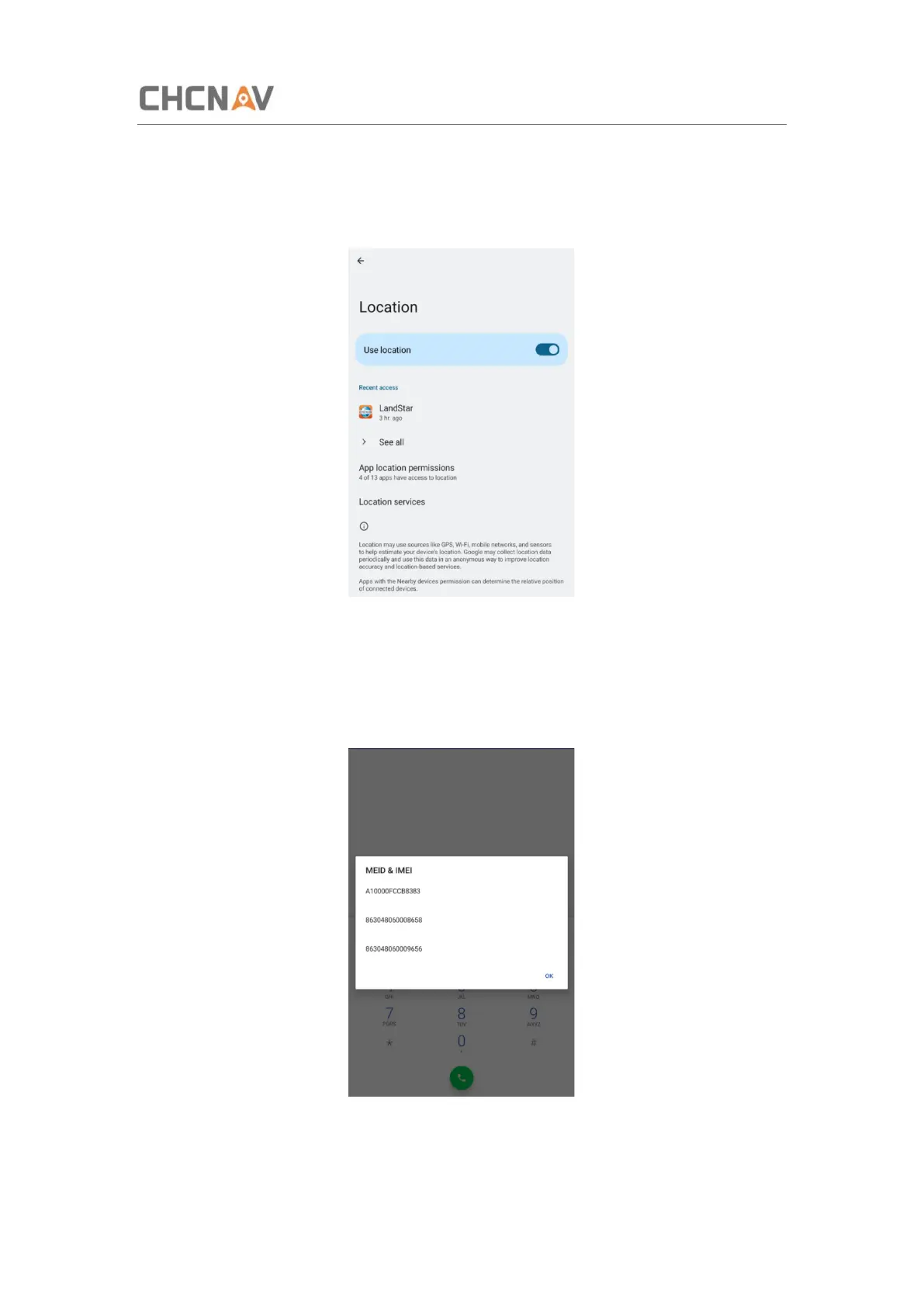
Turn on The Location Service
Click [Settings] – [Location] – [Use location] to switch on location service.
3.11 Checking the IMEI Number of The Device
Turn the LT800H on and enter the dialing panel, tap ‘*#06#’, the IMEI numbers show up
automatically.



 To Next Page