Getting Start with LandStar 8
CHCNAV LT800H GNSS TABLET USER GUIDE | 2023-08 P a g e | 27
4.6 Survey
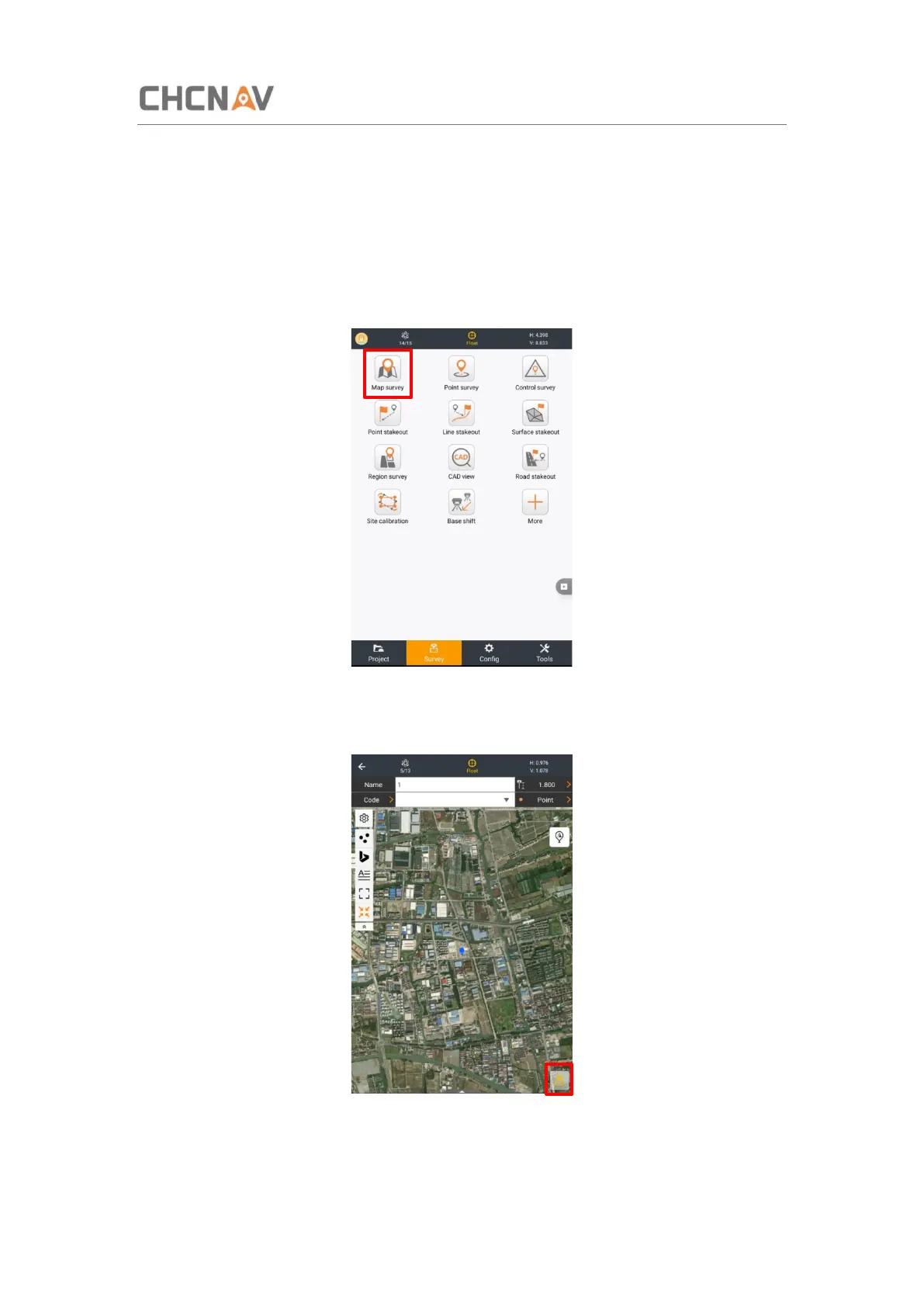
Wait until the software shows [RTD], [Float] or [Fix], which means the LT800H is using the
GNSS correction data from RTK Network.
Click the [Survey] - [Map suevey] to start your work.
Tap [Survey] icon to collect the points.



 To Next Page