Getting Start with LandStar 8
CHCNAV LT800H GNSS TABLET USER GUIDE | 2023-08 P a g e | 26
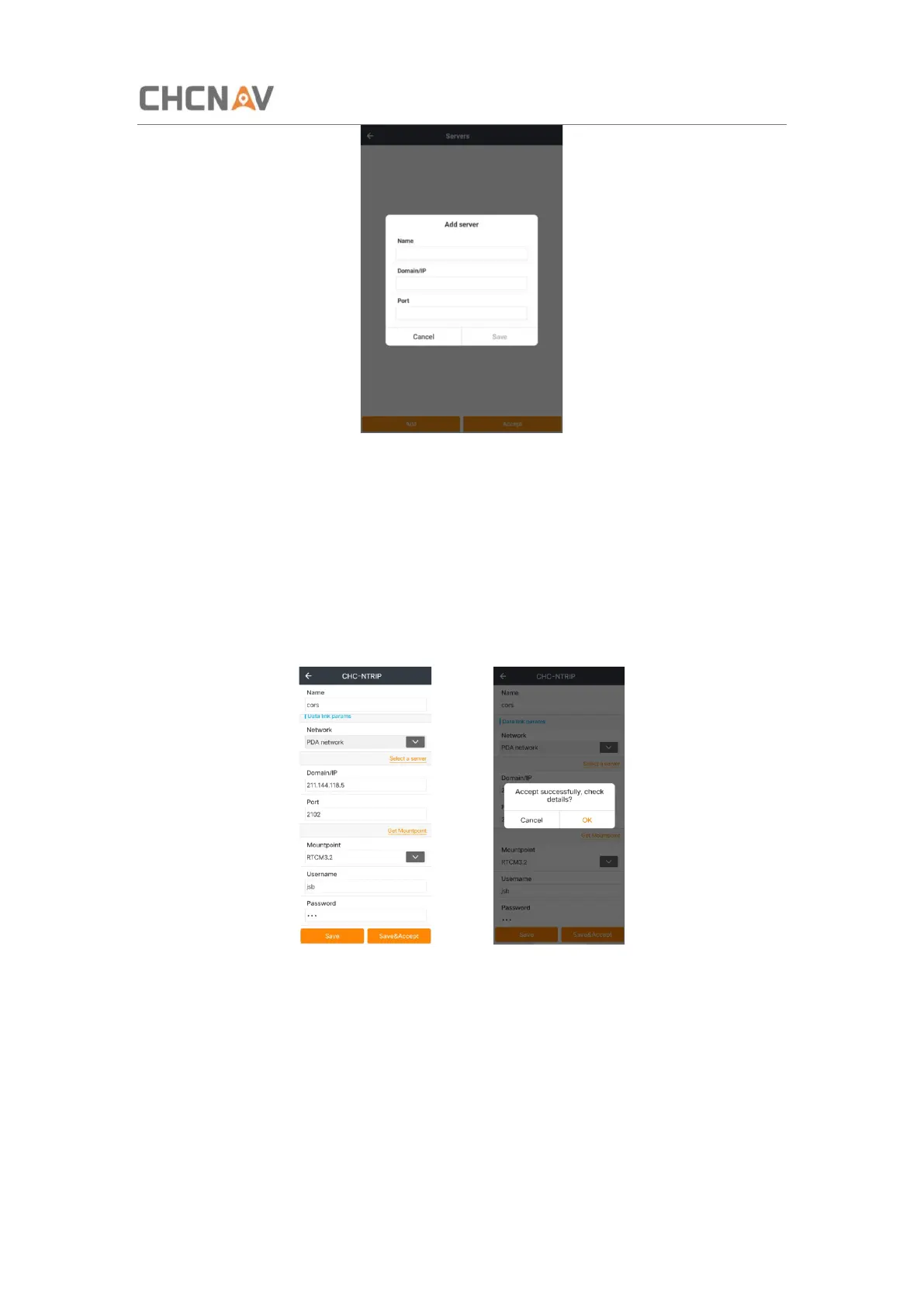
Get Mountpoint: get the Mount point.
Mount point: choose a Mount point you need
Username: The name of user’s Ntrip account.
Password: The password of user’s Ntrip account.
Save: just save this work mode.
Save&Accept: save and apply this work mode.



 To Next Page