Getting Start with LandStar 8
CHCNAV LT800H GNSS TABLET USER GUIDE | 2023-08 P a g e | 23
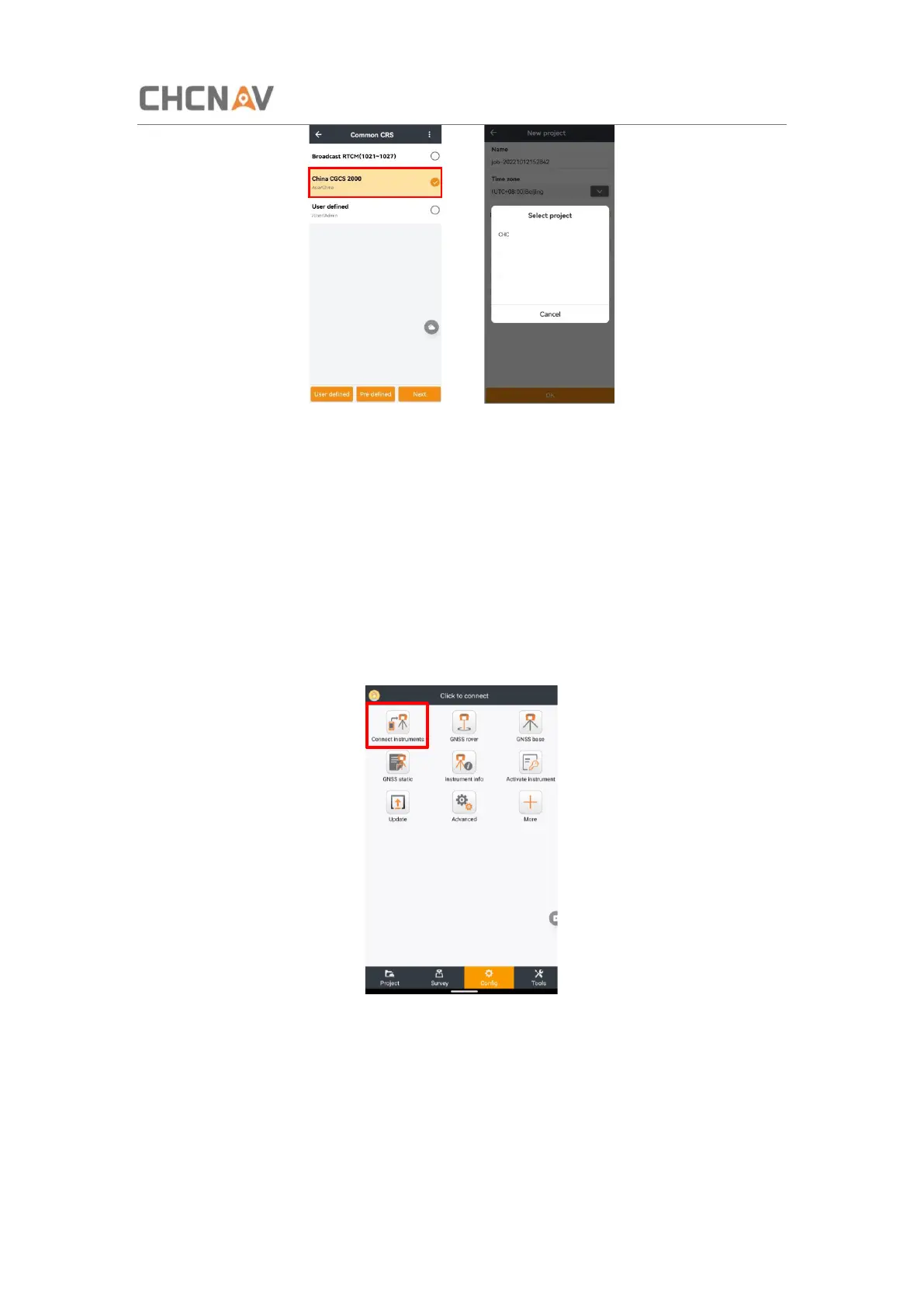
Tick the Reference project in Coordinate System to select project template, then it will show
a list of historical projects. Users can select one and click OK to apply. It's used for applying
the transformation parameters for different sites. For example, there is project A which has
finished site calibration, while another project B needs the transformation parameters the
same as project A. Then users can select project A in the project template while creating
project B.
4.4 Connect to the LT800H GNSS Module
Tap [Config] - [Connect instruments].
Select Brand as [CHC], Type as [Android location], Model as [LT800H], Antenna Type as
[CHCLT800H].



 To Next Page