Getting Start with LandStar 8
CHCNAV LT800H GNSS TABLET USER GUIDE | 2023-08 P a g e | 22
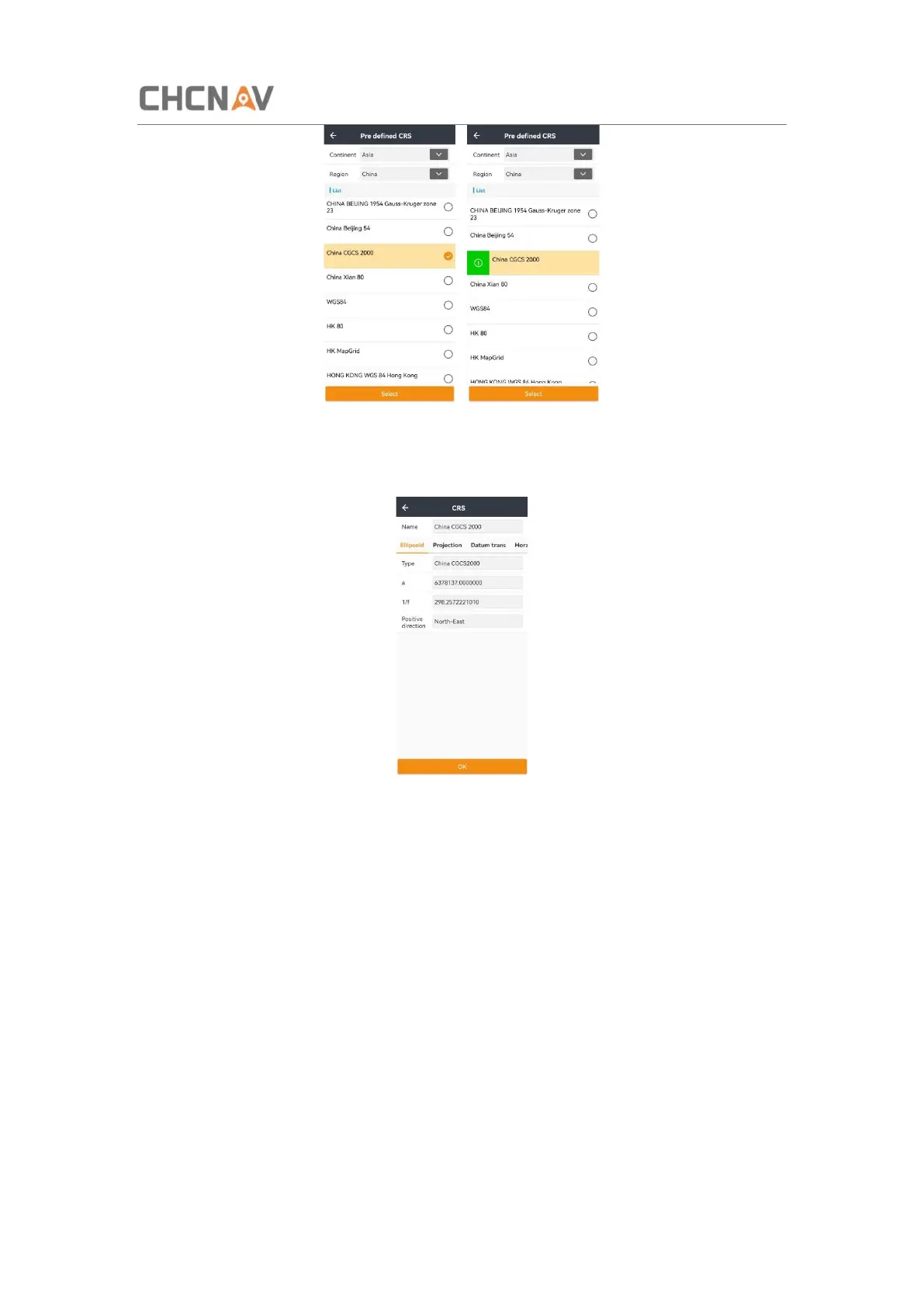
Click Pre defined to enter Common Coordinate interface, and then users are able to add a
new coordinate system by clicking Select. Slide right and click the green button to check the
coordinate system information.
Users can view the parameters of ellipsoid, projection, datum transformation, Horz.
adjustment and Vert. adjustment. Click OK, it'll return to Coordinate System interface, and
then click Select to finish CRS configuration.



 To Next Page