Getting Start with LandStar 8
CHCNAV LT800H GNSS TABLET USER GUIDE | 2023-08 P a g e | 20
4 Getting Start with LandStar 8
4.1 Connect the LT800H to internet
Please select Wi-Fi or mobile network to enable Internet to allow a connection to your GNSS
RTK Corrections Service provider.
4.2 Create a project
Power on the LT800H: Long press the power button for 3-5 seconds.
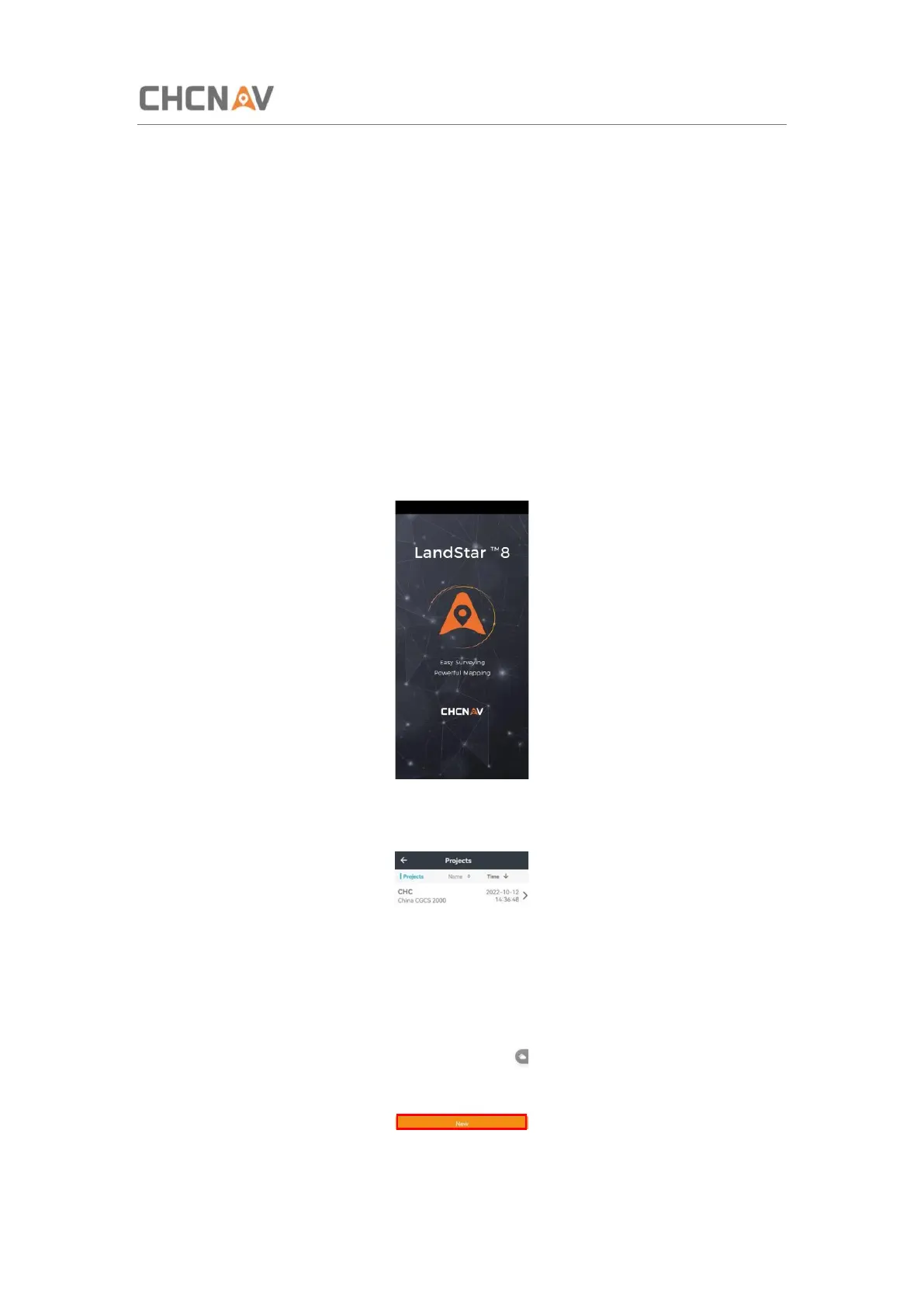
Launch the LandStar 8 software.
Click New to create a new project, users should set coordinate, codeList and other survey
parameters.



 To Next Page