Appliance Configuration
Check Point 1400 Appliances Centrally Managed Administration Guide R77.20.85 | 100
Add this Check Point Vendor-Specific Attribute to users in your RADIUS server user
configuration file:
CP-Gaia-User-Role =
<role>
Where
<role>
allowed values are:
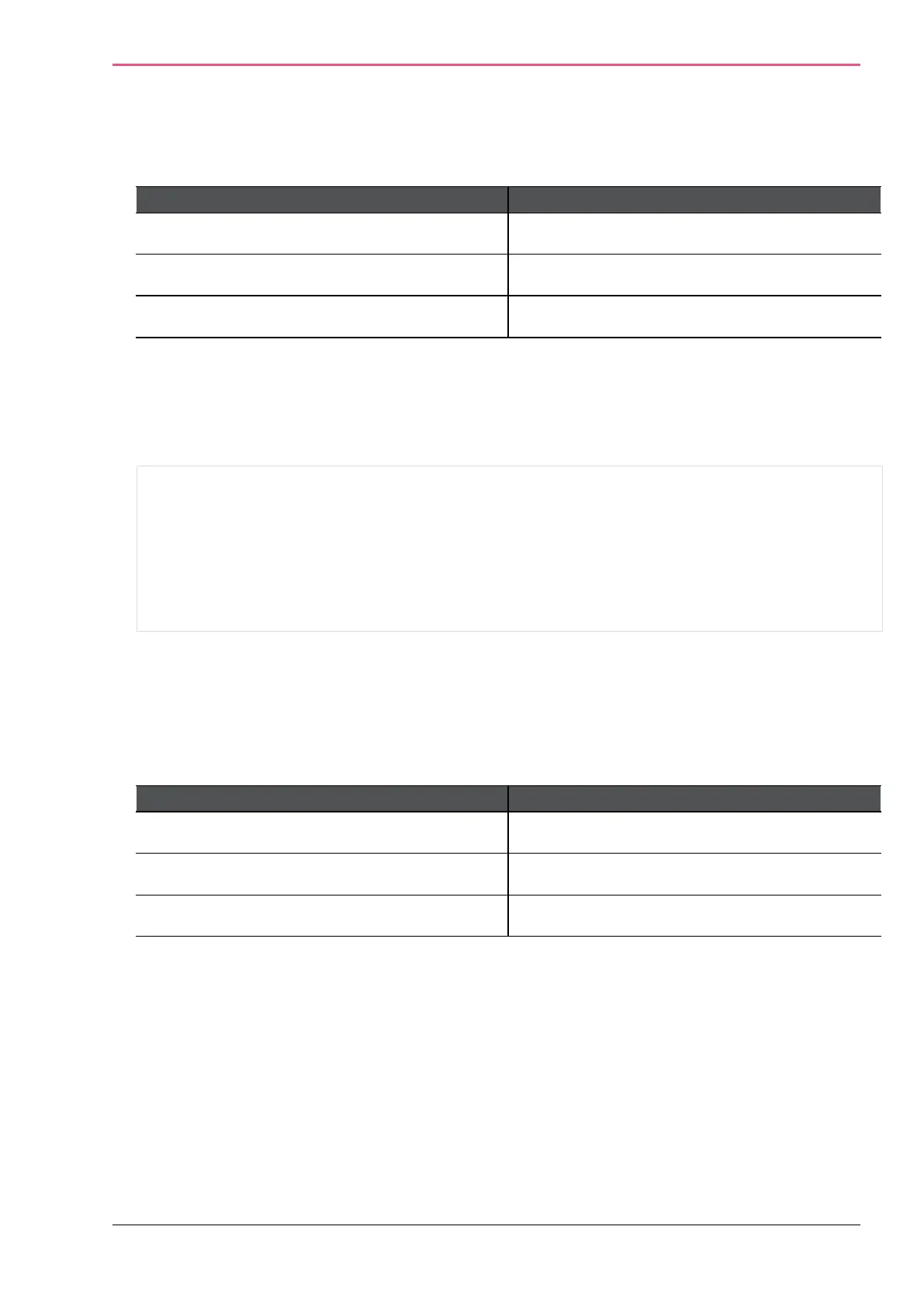
Administrator Role Value
Super Admin adminRole
Read only monitorrole
Networking Admin networkingrole
FreeRADIUS
server for non-local appliance users:
1.
Create the dictionary file dictionary.checkpoint in /etc/freeradius/ on the RADIUS
server:
#
# Check Point dictionary file for freeradius AAA server
#
VENDOR CheckPoint 2620
ATTRIBUTE CP-Gaia-User-Role 229 string
CheckPoint
ATTRIBUTE CP-Gaia-SuperUser-Access 230 integer
Add to /etc/freeradius/dictionary the line:
“$INCLUDE dictionary.checkpoint”
Add this Check Point Vendor-Specific Attribute to users in your RADIUS server user
configuration file:
CP-Gaia-User-Role =
<role>
Where
<role>
is the name of the administrator role that is defined in the WebUI.
Administrator Role Value
Super Admin adminRole
Read only monitorrole
Networking Admin networkingrole











 To Next Page