F10 Installation Manual Rev. *60 38 of 71
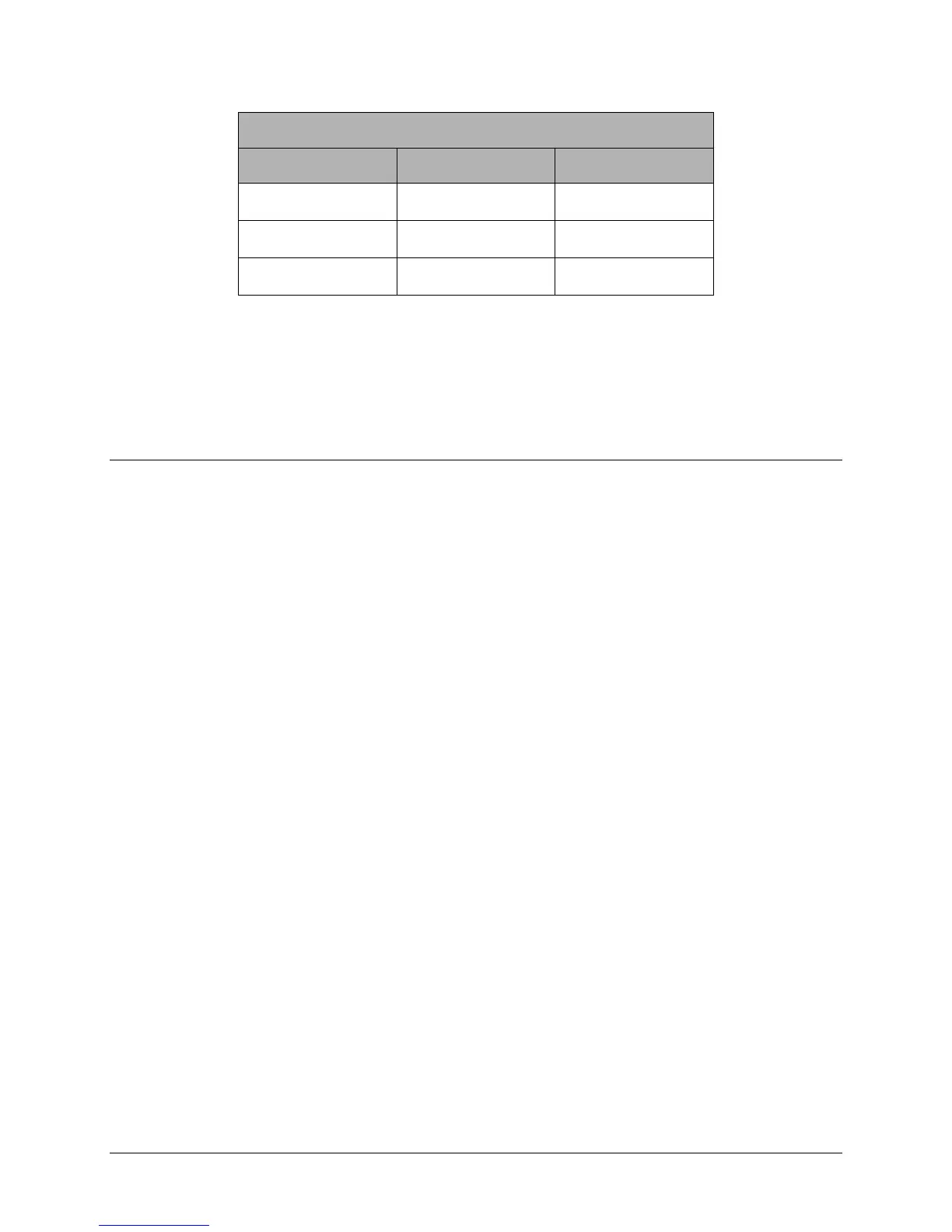
Sync Input/Output Connections
Wire Color Description TR4215 Connections
White
J20/J22-1
Green
J20/J22-2
Black & Drain
J20/J22-3
Table 4.6 Sync Input/Output Wiring Connections
2. Prepare the short length of power cable and connect via Daisy Chain to the second electronics
enclosure’s DC +24V Input. Use MC Armored or generic AWG18 plenum-rated power cable.
Wiring peripherals
Use the appropriate installation manual for wiring to the peripheral devices.
For wiring and configuring the Wireless Voice Alarm, refer to the Installation Instructions:
EAS Audible Alarm/Alarm Counter (CKP P/N 7186802)
For hardwiring the EAS Voice Alarm/Counter peripheral, refer to Section 3.1, “Wiring the liberty
PX,” of the Installation Instructions (CKP P/N 7226881).



 To Next Page