F10 Installation Manual Rev. *60 58 of 71
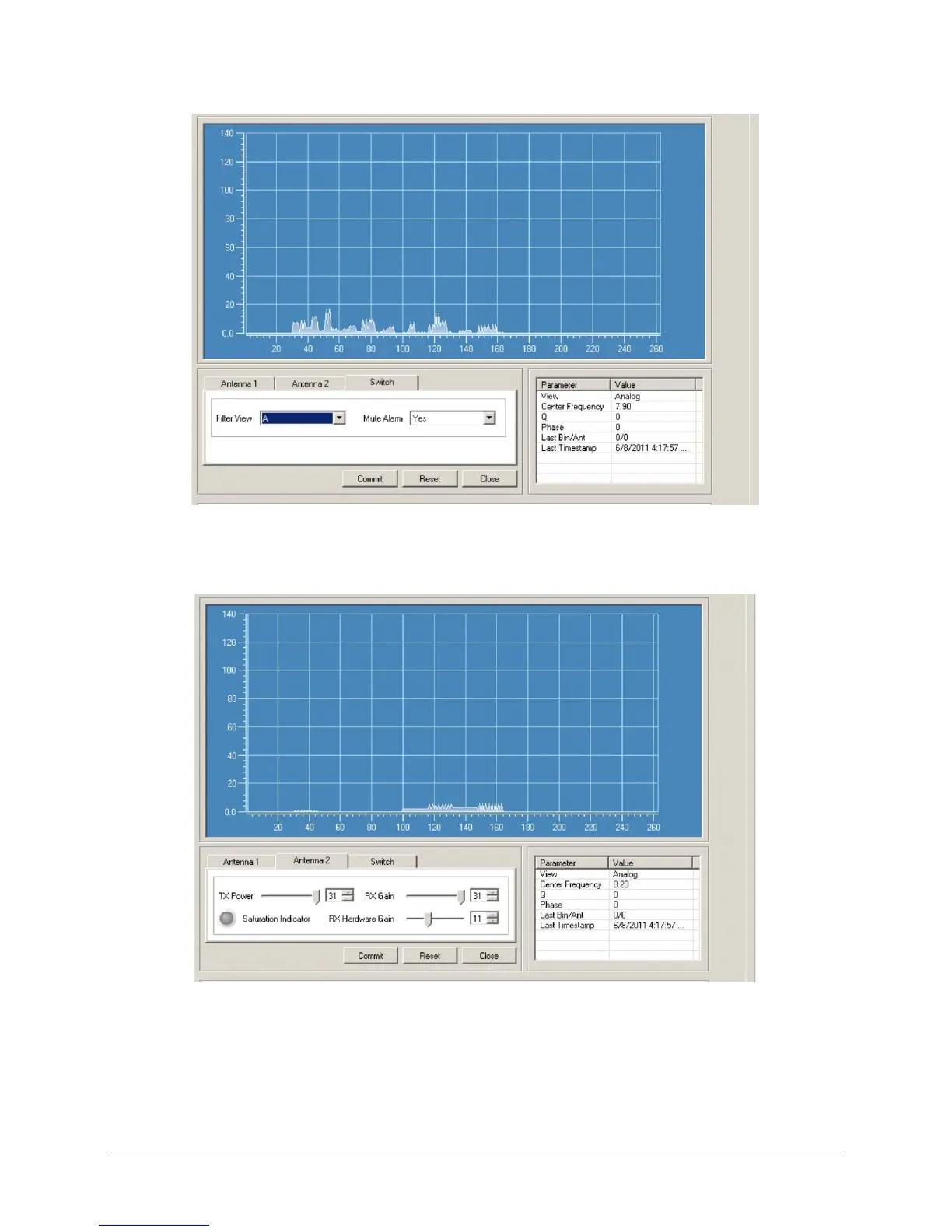
Figure 6.3 Noise on Filter View A – Results After RF Gain Tuning
3. After the RF gain is adjusted, observe Filter View D for about 15-30 seconds and note the
peak response during this period. Below is a picture before adjusting the RX gain.
Figure 6.4 Noise on Filter View D – Graph Before RX Gain Tuning
4. Adjust RX gain (software gain) until the Noise begins to peak into the Analog View D.
Figure 6.5 below shows a properly tuned system.



 To Next Page