Instruments and Controls 5-13
Instrument Cluster Display
Configurations
There are two instrument cluster
display configurations to choose
from. Press CONFIG to the left of
the steering wheel to change the
configuration. See Driver
Information Center (DIC) on
page 5‑45 for more information.
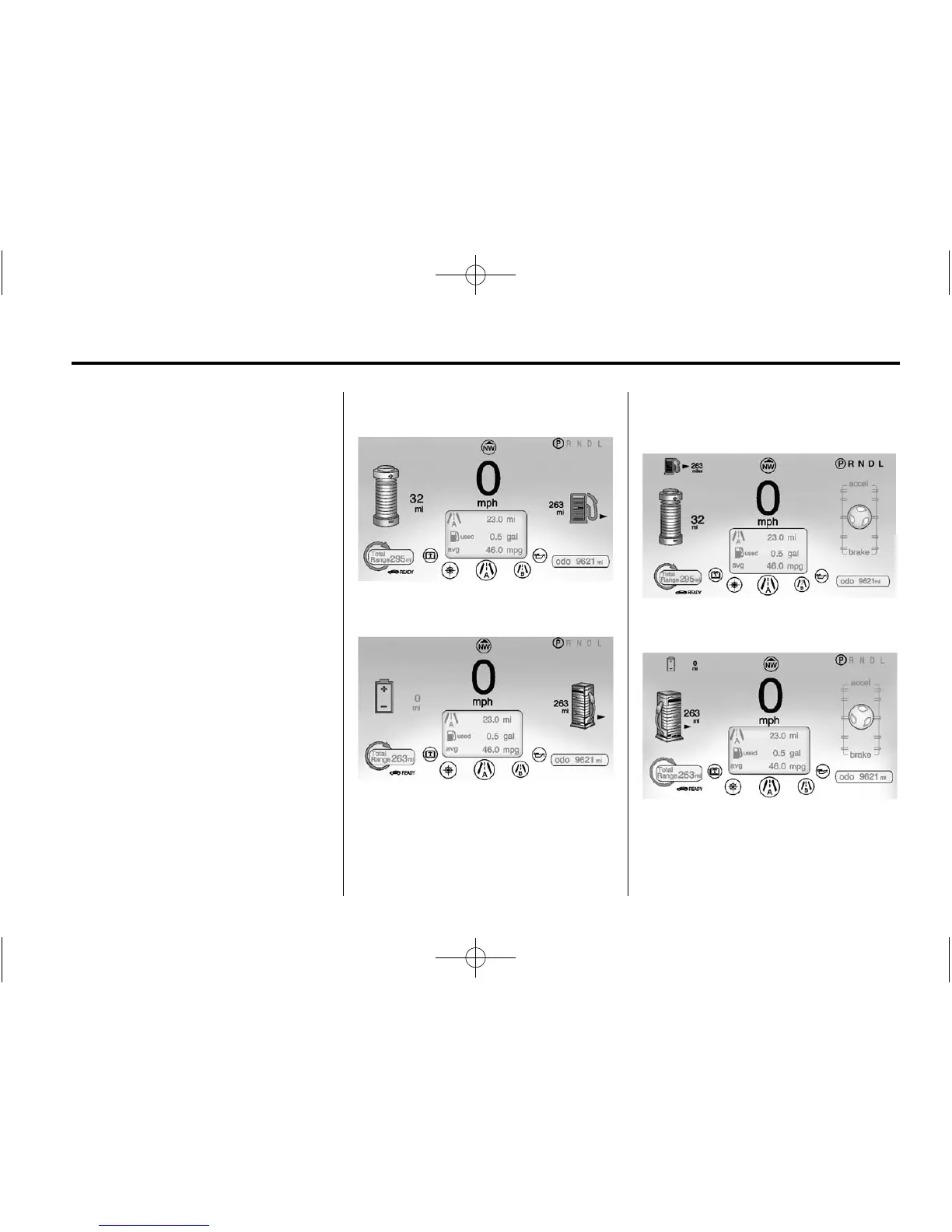
Choose either the Simple or
Enhanced Configuration display.
Simple Configuration
in Electric Mode
Simple Configuration in Extended
Range Mode
The Enhanced Configuration
displays the Driver Efficiency
Gauge.
Enhanced Configuration
in Electric Mode
Enhanced Configuration
in Extended Range Mode















 To Next Page