5-44 Instruments and Controls
Energy Efficiency
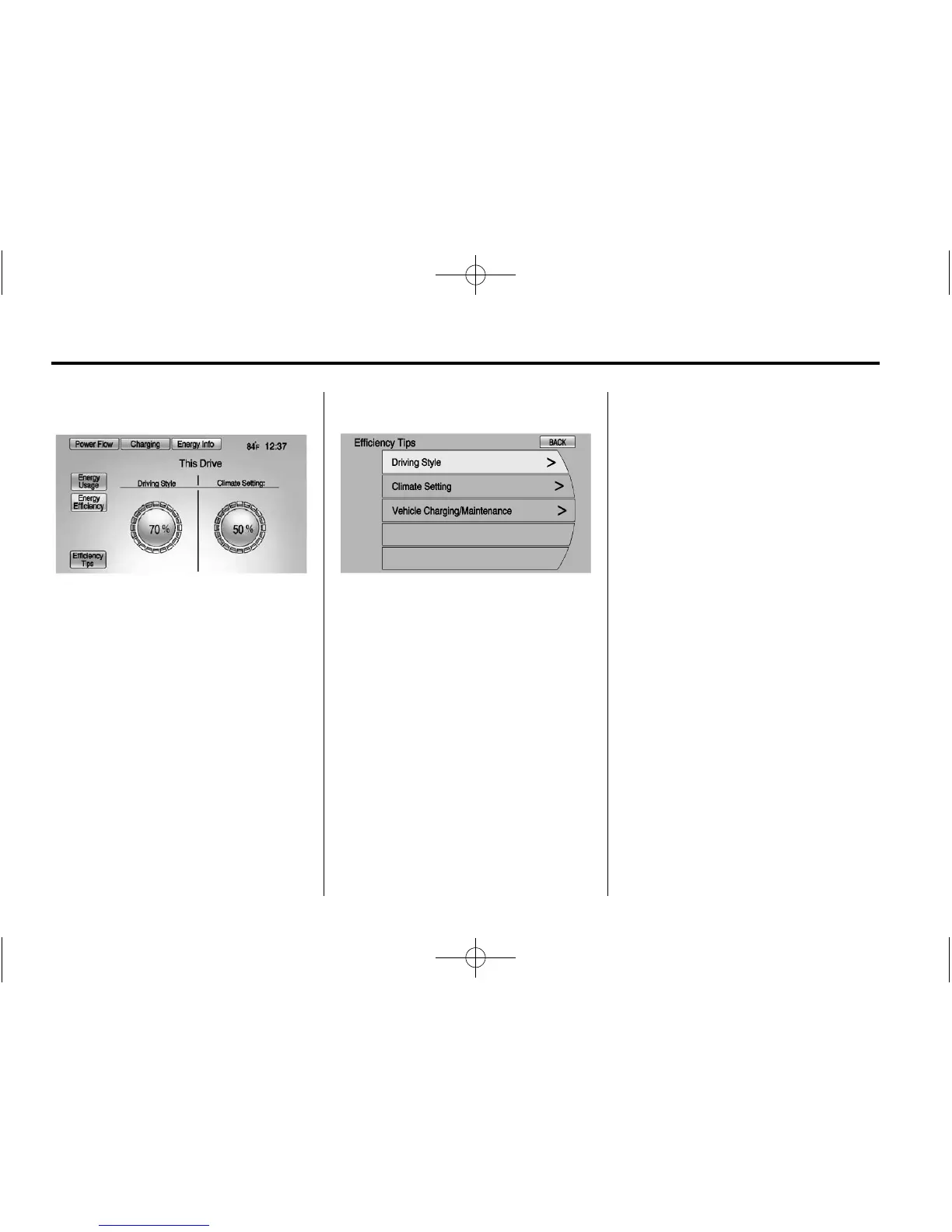
The Energy Efficiency screen is
accessed by pressing Energy
Efficiency on the Energy Usage
screen. This screen displays the
energy efficiency over the drive
cycle based on driving style and
climate settings. Driving in a more
efficient manner will result in a
higher percentage displayed for
driving style. Minimizing the use of
the climate control system will result
in a higher percentage displayed for
climate setting.
Efficiency Tips
The Efficiency Tips screen is
accessed by pressing Efficiency
Tips from the Energy Usage or
Energy Efficiency screen. This
screen provides a guide on how to
improve energy usage to increase
fuel economy and range.
Clock
The clock is in the center stack
display.
To set the time:
1. Press the TP (Time Program)
button to go directly to the time
setting page, or press the
CONFIG button and select Time
from the list. Turn the TUNE/
MENU knob to scroll through the
available setup features. Press
the TUNE/MENU knob or press
the Time screen button to
display other options within that
feature.
2. Press + or − to increase or
decrease the Hours and Minutes
displayed on the clock.
12/24 HR Format: Press the 12 HR
screen button for standard time;
press the 24 HR screen button for
military time.
Day + or Day −: Press the Day +
or Day − display buttons to increase
or decrease the day.
Display: Press Display to turn the
display of the time on the screen on
or off.















 To Next Page