5-38 Instruments and Controls
The finish times must be
consecutive. If a finish time does not
follow a start time, the error
message displays “An invalid entry
was found in the data entered.
Please re‐enter data.”
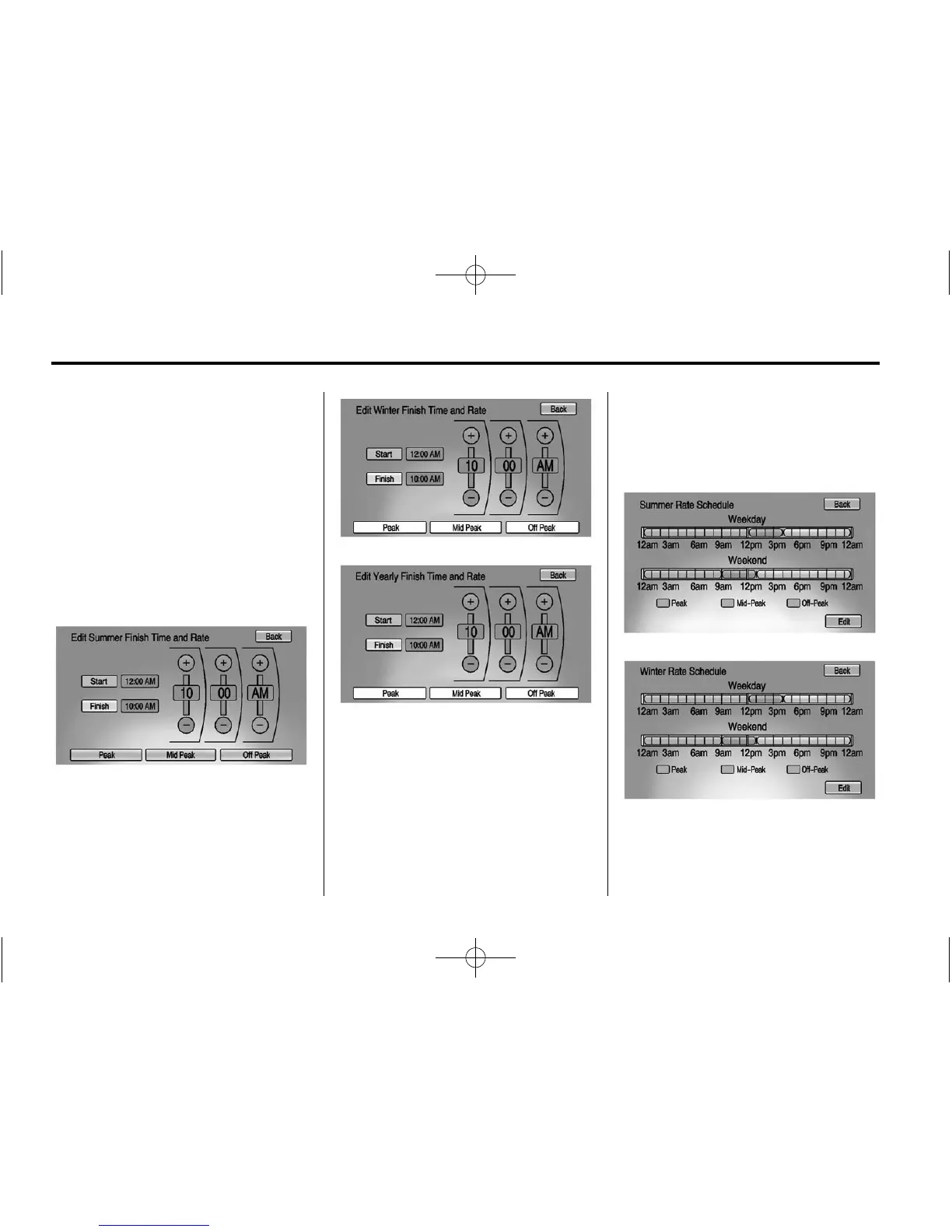
Electric Rate Finish Time Editing
From the Edit (Summer, Winter,
or Yearly) Electric Rate Schedule
screen, press Edit next to the row to
change.
1. Press + or − to adjust the time.
2. Press Peak, Mid-Peak,
or Off-Peak to select the
electric rate.
3. Press the Back button to store
changes.
Only the finish time can be edited.
The start time is automatically
populated in the rate table.
Electric Rate Schedule Viewing
From the Select Electric Rate Plan
screen, press View (Summer,
Winter, or Yearly) Schedule.















 To Next Page