Driving and Operating 9-39
If a problem is detected with
StabiliTrak, SERVICE
STABILITRAK is displayed on the
Driver Information Center (DIC).
See Ride Control System Messages
on page 5‑53. When this message
is displayed and
d comes on and
stays on, the vehicle is safe to drive
but the system is not operational.
Driving should be adjusted
accordingly.
If
d comes on and stays on, reset
the system:
1. Stop the vehicle.
2. Turn the engine off and wait
15 seconds.
3. Start the engine.
If
d still comes on and stays on, the
vehicle needs service.
.
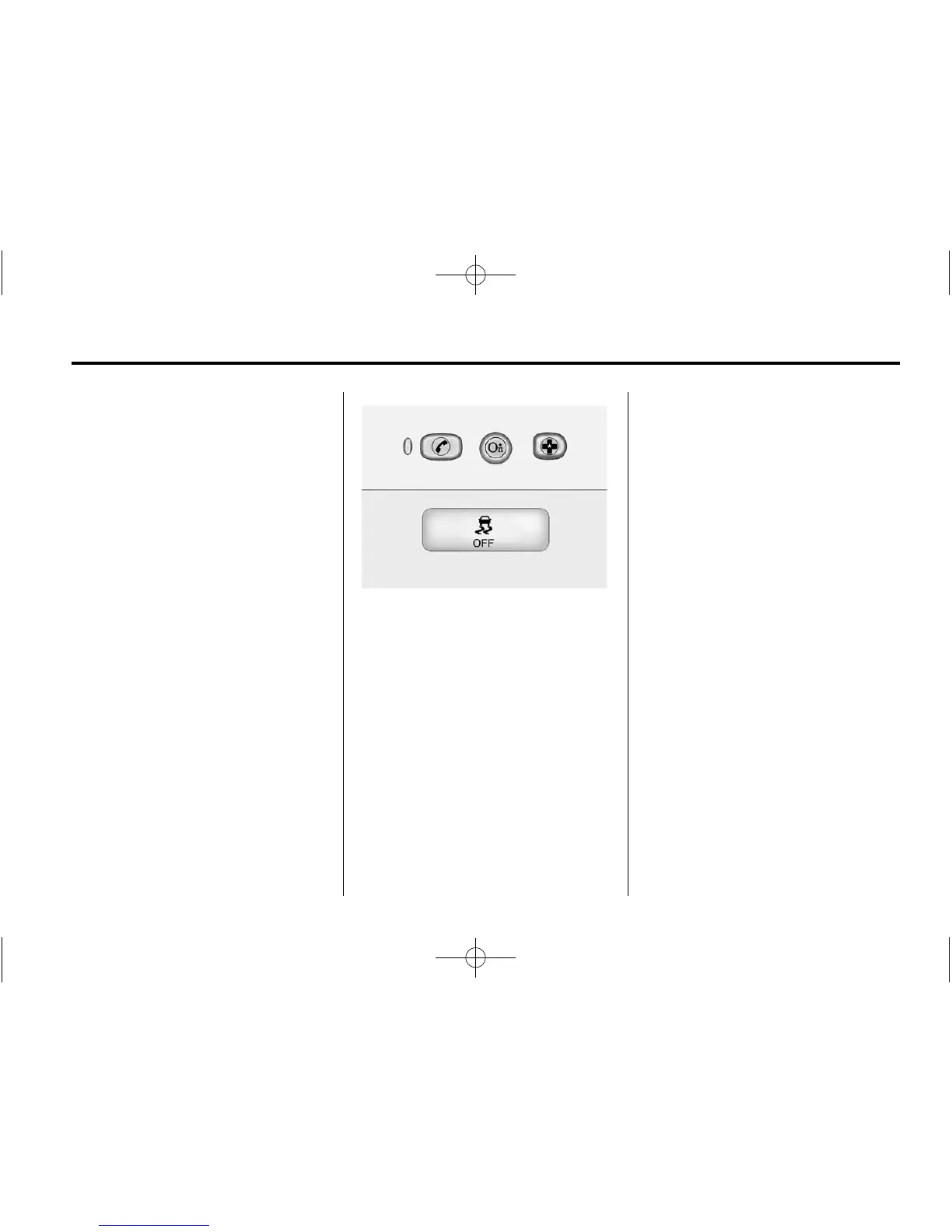
To turn off both StabiliTrak and
TCS, press and hold the TCS/
ESC button, located on the
overhead console, until
i and
g illuminate and the appropriate
DIC message is displayed. See
Ride Control System Messages
on page 5‑53.
When StabiliTrak is turned off,
the system will not assist with
directional control of the vehicle
or limit wheel spin. Driving
should be adjusted accordingly.
See StabiliTrak
®
OFF Light on
page 5‑24 for more information.
.
Press and release the TCS/ESC
button again to turn the system
back on.
If cruise control is being used when
StabiliTrak activates, cruise control
will automatically disengage. Press
the cruise control RES/+ button to
reengage when road conditions
allow. See Cruise Control on
page 9‑40 for more information.















 To Next Page