In Brief 1-23
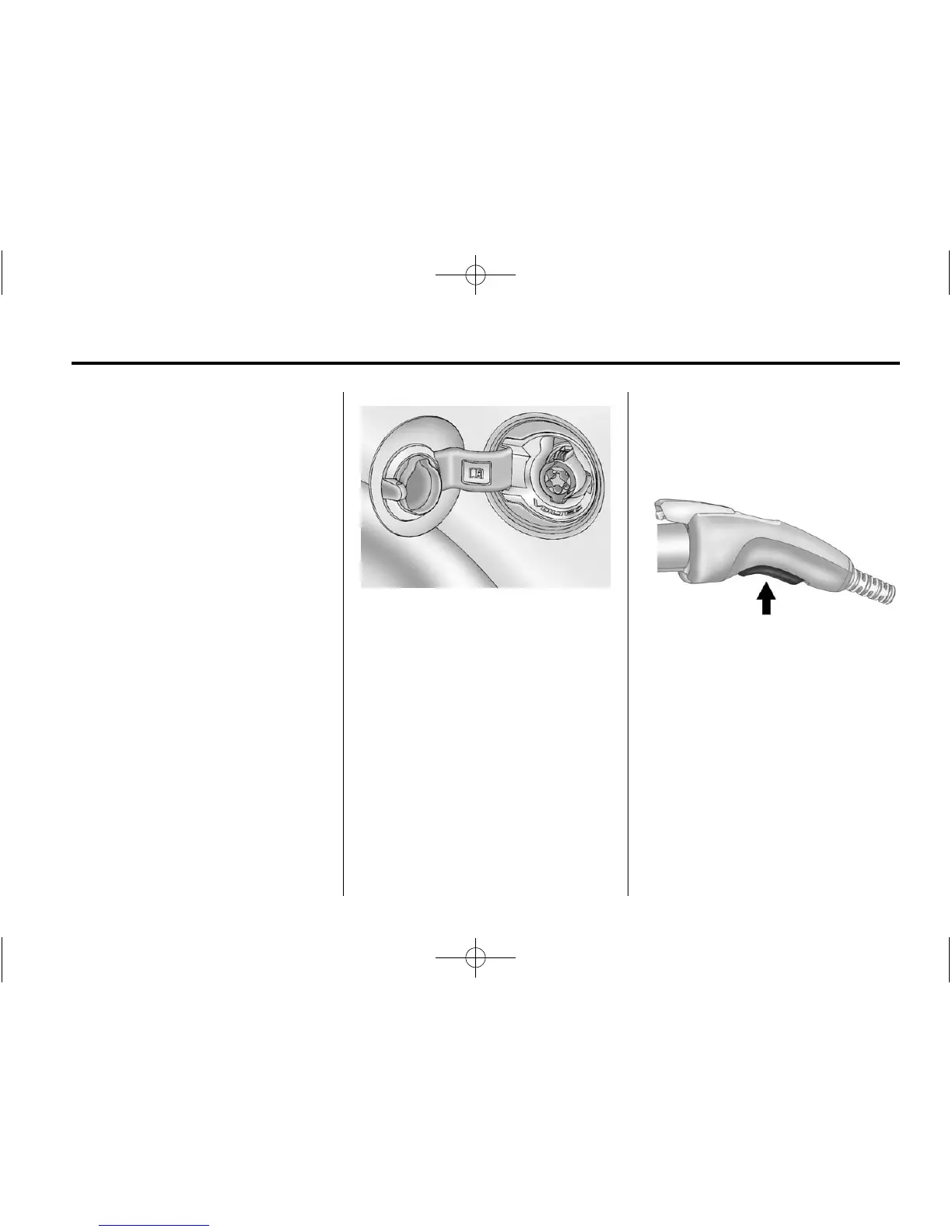
Lift the charge cord up and
rearward to remove it from the
vehicle. The vehicle plug (B) is
stored as shown.
3. Plug the charge cord into the
electrical outlet. See Electrical
Requirements for Battery
Charging on page 9‑58. Verify
that the charge cord status
indicators are both green. See
Charge Cord on page 9‑55.
Select the appropriate charge
level. On some models, charge
level selection can be made
using the Select Charge Level
Preference screen on the center
stack. See “Charge Level
Selection” under Charging on
page 5‑32. On some models,
charge level selection can be
made using the charge level
button on the charge cord. See
“Charge Level Button” under
Charge Cord on page 9‑55.
4. Plug in the vehicle plug of the
charge cord into the charge port
on the vehicle. Verify that the
charging status indicator
illuminates on top of the
instrument panel and a horn
chirp occurs. See Charging
Status Feedback on page 9‑52
for more information.
5. To arm the charge cord theft
alert, lock the vehicle with the
RKE transmitter. To disable this
feature, see “Charge Cord Theft
Alert” in Vehicle Personalization
on page 5‑56.
End Charge
1. Unlock the vehicle with the RKE
transmitter to disarm the charge
cord theft alert.
2. Unplug the vehicle plug of the
charge cord from the vehicle by
squeezing the vehicle plug lever
and pull to remove.
3. Close the charge port door by
pressing firmly in the center to
latch properly.
4. Unplug the charge cord from the
electrical outlet.















 To Next Page