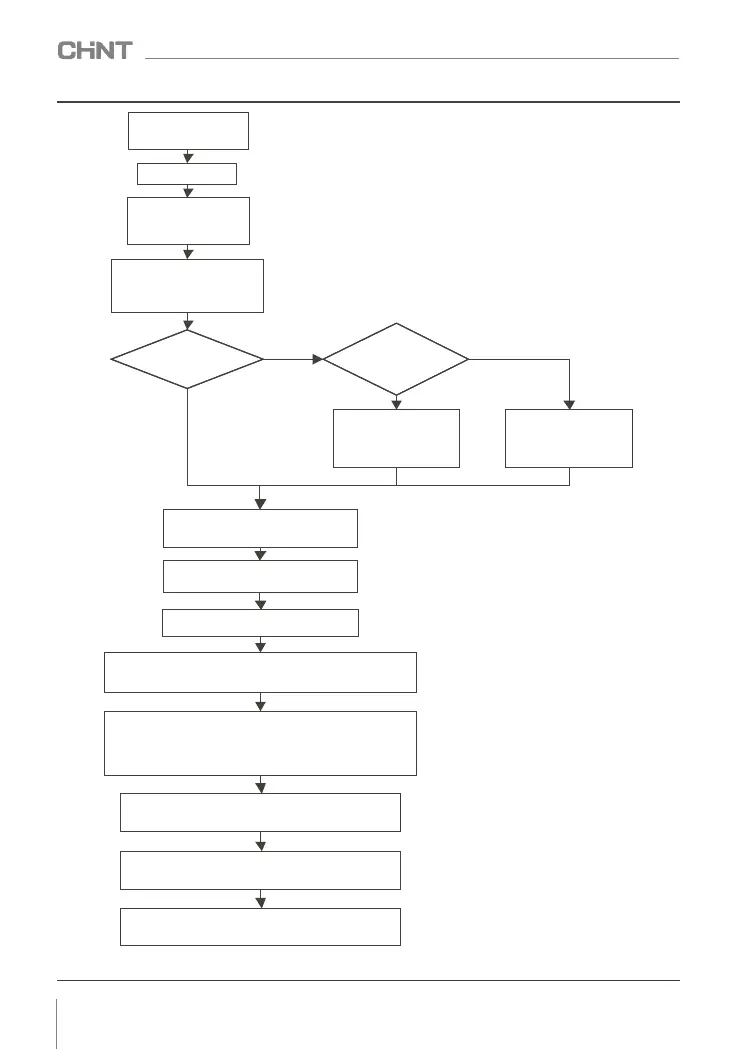
Comparing to the motor name
plate to set the rotor paremeter
correctly of F2.01~F2.06 from F2
group
Confirming the main
Circuit wiring correct
Power up after
conformation
Selecting control
model by F0.00
Setting motor parameter
according to the motor
actural parameter
parameter self-learning
or not
Releaseing the motor
load or not
Adjusting acceleration and
deceleration time according to
working condition
Jogging debug device
Keyboard number is the set
operation frequency by default
Setting by F0.14(acceleration time)
and F0.15(deceleration time)
Figure 7-10 Basic debugging operation diagram
034
NVF2G Series Inverter User's Guide
SETTING F2.22 TO 1,PRESSING
RUN KEY FORST
ATICSELF-LEARNING
SETTING F2.22 TO 2,
PRESSING RUN KEY FORST
ATICSELF-LEARNING
Set 5.00Hz to check the motor direction
After confirming that the motor can RUN, the motor is unloaded and
run, according to "Run" on the panel to measure the three-phase
current balance
After confirming that the motor runs normally without load, if it can be
loaded, the motor runs with load, and confirm to measure the three-phase
current balance denier current and less than motor rated current
Basic debugging completed, shutdown, according to the equipment
process requirements
Record the current value of the test and debug other parameters value
Value of the debugging. After the basic debugging is completed,
stop, set other control parameters, and run according to the
actual working condition
Refer to installation and wiring operation from chapter
Screen display normal, default is 50.00Hz



 To Next Page