Page 14 of 40 IRIS Touch Engineering Manual Version 1.4
Texecom Premier Elite Series (12, 24, 48, 88, 168, 640)
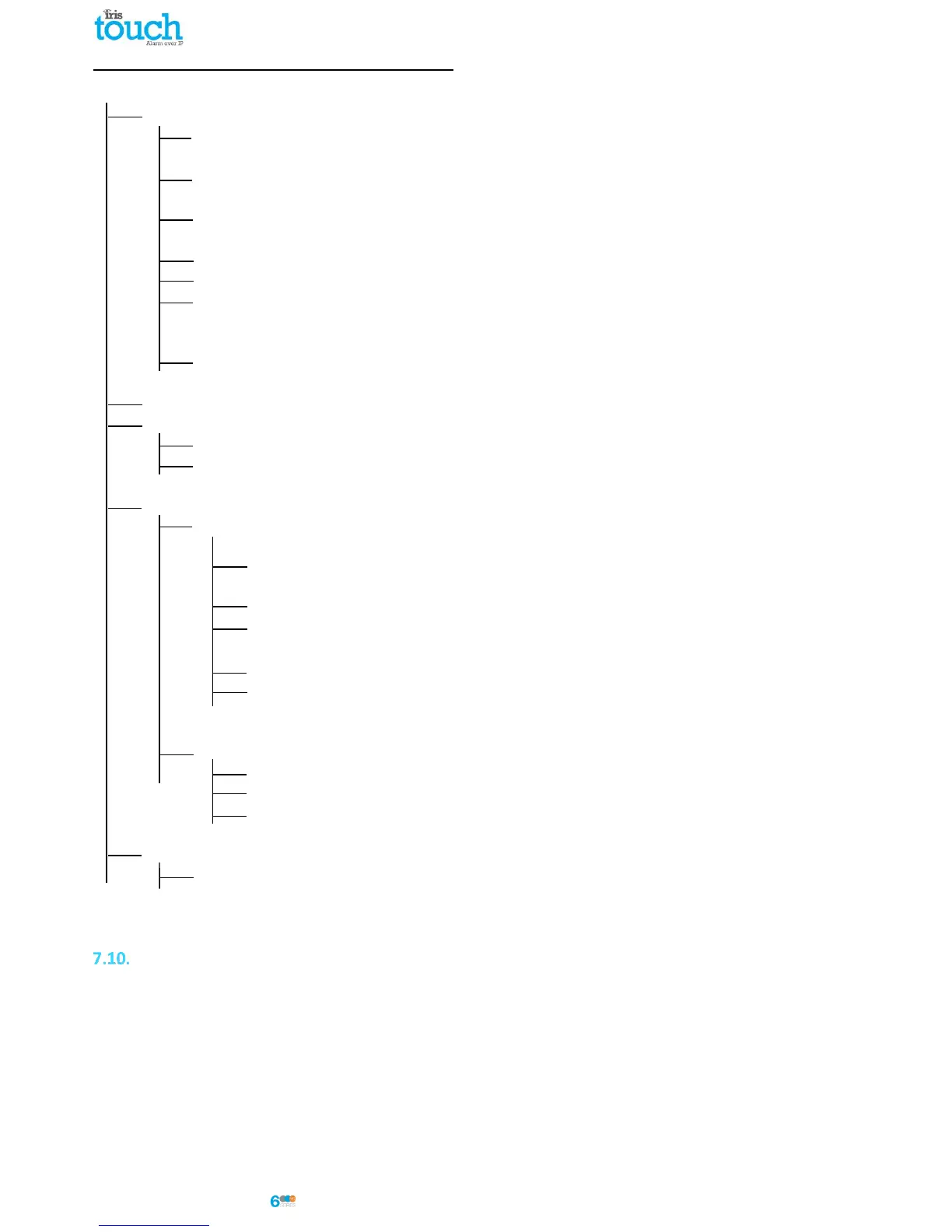
7 = UDL/DIGI Options
3 = Program Digi
Arc 1 Protocol - Set to the alarm format requested by the monitoring centre or customer
i.e. Fast Format, Contact ID, or SIA level 2/3.
Primary No - Set this to the IP address of the monitoring centre in a 12 digit format
i.e. 80.176.196.135 = 080176196135.
Secondary No - Leave blank as the IRIS System will receive the secondary number from
the monitoring centre IRIS Secure Apps system.
Account Number - Enter in the account number allocated from the monitoring centre.
Dialler Attempts - Leave as the default 3.
Report options - The reporting options will change depending on the alarm format
selected, please set up the various reporting option for the alarm event you
wish to send to the monitoring centre.
Config - Enable the Connect via IP (Key press 7).
4 = Digi Options - Enable the Digi (key press 1) should now see E on keypad option screen.
5 = UDL Options
4 = UDL Password - Must match the UDL password setup within Wintex.
6 = Ring Count - Set to 1 for use with the IRIS Remote Service App.
7 = Setup Modules
2 = Setup IP Data
Note: To use DHCP please leave the ComIP Address and Gateway blank/default values.
1 = ComIP Address - Program in the IP address for the IRIS in a 12 digit format
i.e. 192.168.0.10 = 192168000010.
2 = ComIP Port - Program the Port number for Wintex connection normally 10001.
3 = ComIP Gateway - Enter the network gateway IP address in a 12 digit format
i.e. 192.168.0.1 = 192168000001.
4 = ComIP Netmask - Enter the network subnet mask i.e. 255.255.255.000.
5 = Polling/SMG IP - Set this to the IP address of the monitoring centre in a 12 digit format
i.e. 80.176.196.135 = 080176196135.
3 = Setup GPRS Data
0 = Access Pnt Name - Enter the GPRS/3G access point name for the SIM card you are installing.
1 = User Name - Enter the user name for the SIM card if assigned.
2 = Password - Enter the password for the SIM card if assigned.
8 = Com Port Setup
2 = Com Port 1 - Set to IRIS IP Module.
You can now perform your alarm signals commissioning and sign off required by the monitoring centre (ARC).
Testing
Once all configurations are complete perform a full commissioning test with the monitoring centre. This will
normally involve testing normal alarm transmissions over all communication paths from the alarm panel to the
monitoring centre, and verifying that these are successfully received.



 To Next Page