IRIS Touch Engineering Manual Version 1.4 Page 9 of 40
RS485 connections (Honeywell Galaxy or Risco ProSys)
You can use the screw terminal blocks or the 4 Pin Headers (Molex).
If using the screw terminals the connections are:
IRIS Touch to Honeywell Galaxy panels
IRIS RS485 screw terminals
IRIS Touch to Risco ProSys panels
IRIS RS485 screw terminals
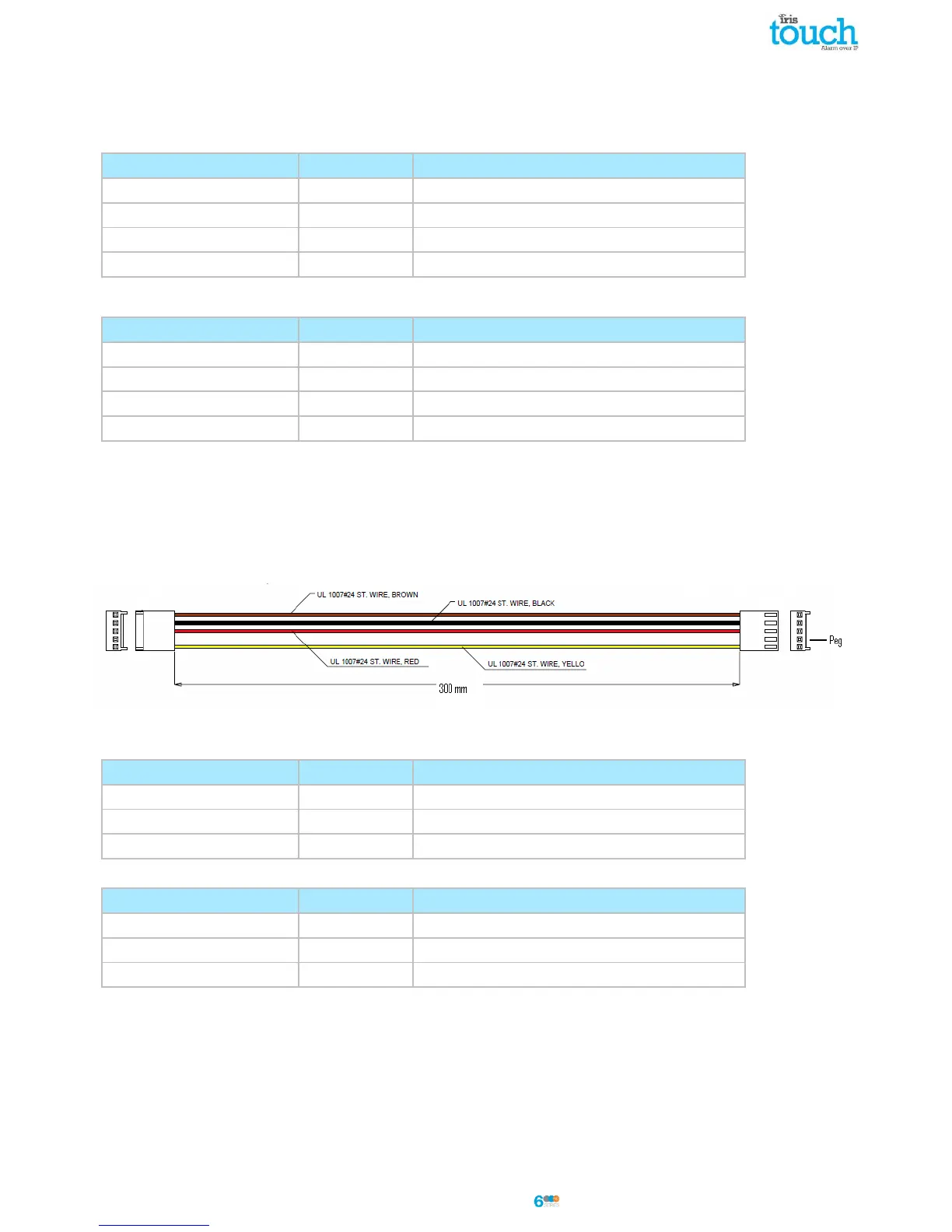
TTL connections (Texecom Premier Range)
Can be ordered from Chiron
Description = Texecom RS232 Lead
Part No = Tex600
RS232 port 2 connections (HHL and ESPA)
IRIS Touch to HHL panels
IRIS RS232 screw terminals
IRIS Touch to ESPA fire panels
IRIS RS232 screw terminals
DB9 Male connector (possible screw terminals)



 To Next Page