CHIYU TECHNOLOGY CO., LTD.
No.28, Renai Rd., Chiayi, 600, Taiwan Tel:(886) 5-2835460 Fax:(886) 5-2835458
BF-480M User’s Guide
- 30 -
z Backup: Click “Backup” button save the current configuration as a backup file in your hard disk.
z Restore: Enter path of the configuration file you saved on the PC. You can click “Browse” to view the
folders and select the file. Click “Restore” to retrieve it.
Note: the sub-name of file you retrieve must be “.cfg”
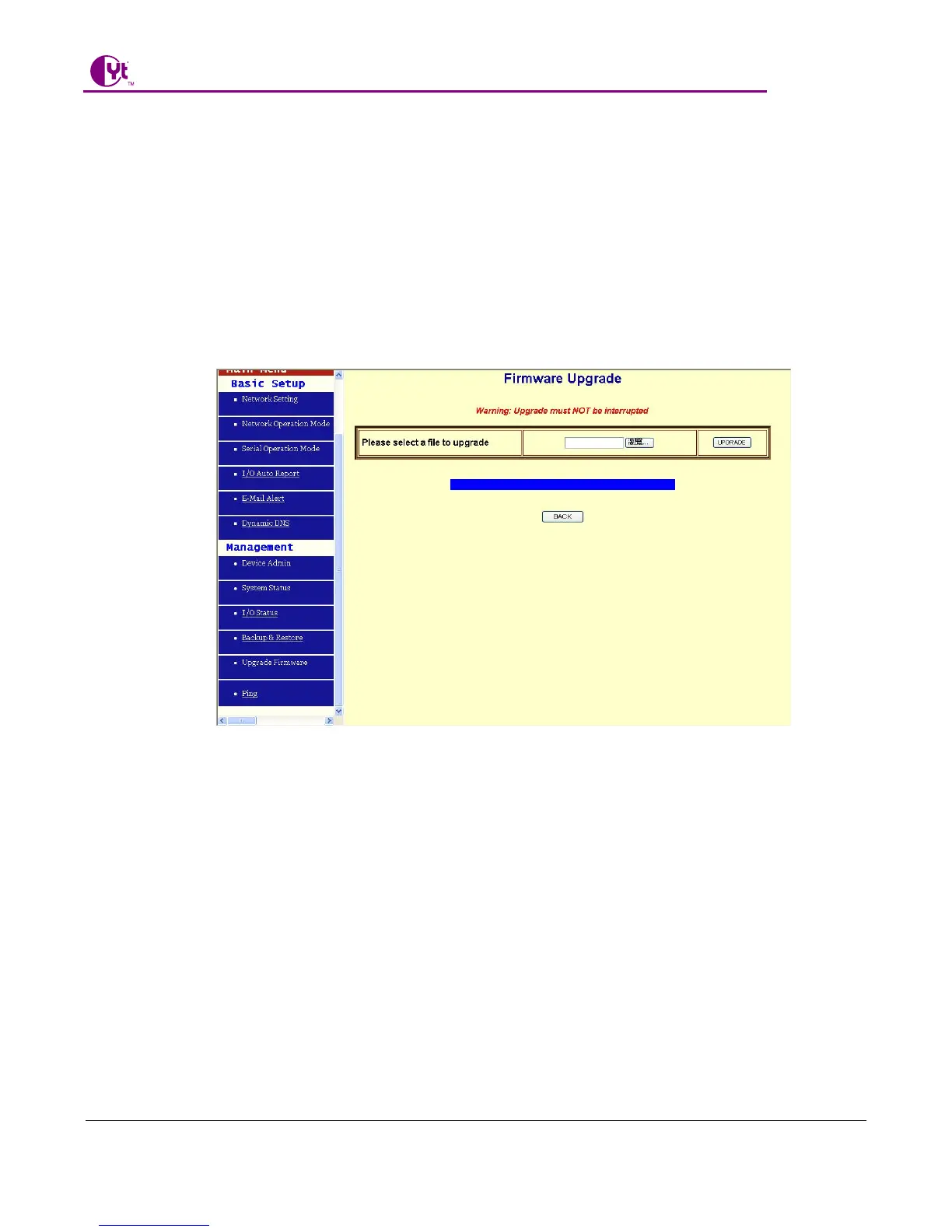
4.5 Upgrade Firmware
This function allows you to upgrade the latest version firmware to keep your BF-2300 up-to-date. Before you
upgrade the firmware, you have to get the latest firmware and save it on the PC you use to configure the
BF-2300
.
Browse: To select a file to upgrade, you have to enter path of the latest firmware you saved on the PC. You can
choose “Browse” to view the folders and select the firmware.
Upgrade: After you enter or select the path, click “Upgrade” to start the firmware upgrade process
.
Note: don’t power off the router during the firmware upgrading, otherwise the incompletion of firmware
upgrading will cause serious damage to the integrity of the BF-2300’s firmware that will lead to fail to
boot the BF-2300 again.
4.6 Ping
This function allows you to test the connection between BF-2300 and LAN or between BF-2300 and Internet.



 To Next Page