Local Operation
Setting CP Values
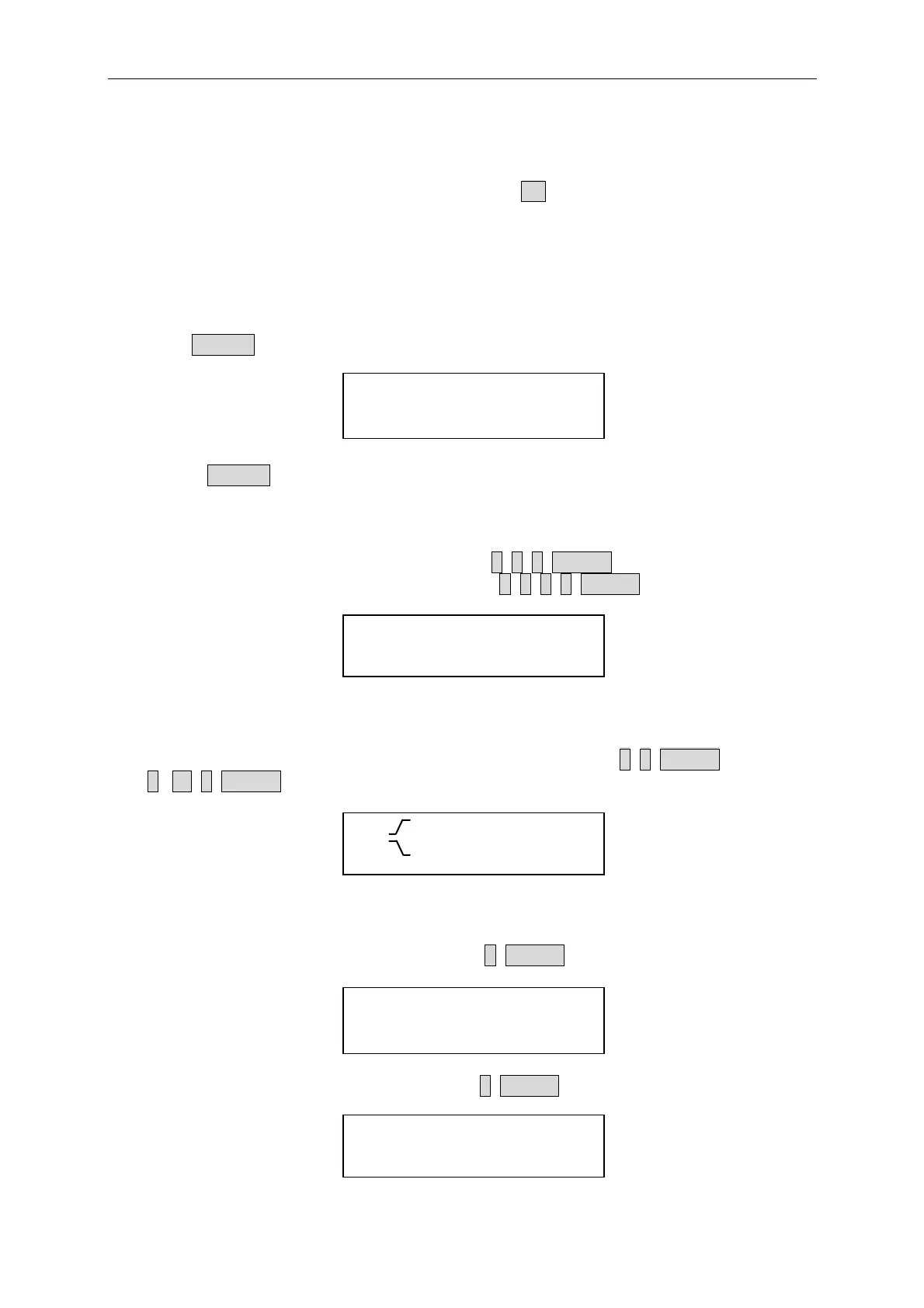
The CP mode for the Load is programmed by pressing CP. The power values can be
programmed in low current (CPL) or high current (CPH) range. All power levels are
programmed in Walt. The slew rate is in A/µS.
The following examples illustrate how to set CP values for Load model number 63203.
1. Select range
Press RANGE key to choose the high range CP mode.
CPHA : 12.000W
CPHB : 12.000W
If press RANGE again, it will go back to the low range CP mode
2. Set Power Level
Set level A power level to 200 W by pressing 2, 0, 0, ENTER.
Set level B power level to 4000 W by pressing 4, 0, 0, 0, ENTER.
CPHA : 200.000W
CPHB : 4000.000W
3. Set Slew Rate
Set the rise 20 A/µS and fall slew rates to 0.5A/µS by pressing 2, 0, ENTER for rise and
0, . , 5, ENTER for fall slew rate.
CPH : 20.0A/uS
CPH
: 0.5A/uS
4. Set Voltage spec
Set the high voltage spec. to 6 V by pressing 6, ENTER.
CPH VOLTAGE SPEC.
HIGH : 6.000V
Set the low voltage spec. to 4 V by pressing 4, ENTER.
CPH VOLTAGE SPEC.
LOW : 4.000V
4-9



 To Next Page