Verification
7.3.5.1 Checking Dynamic Constant Current High Range
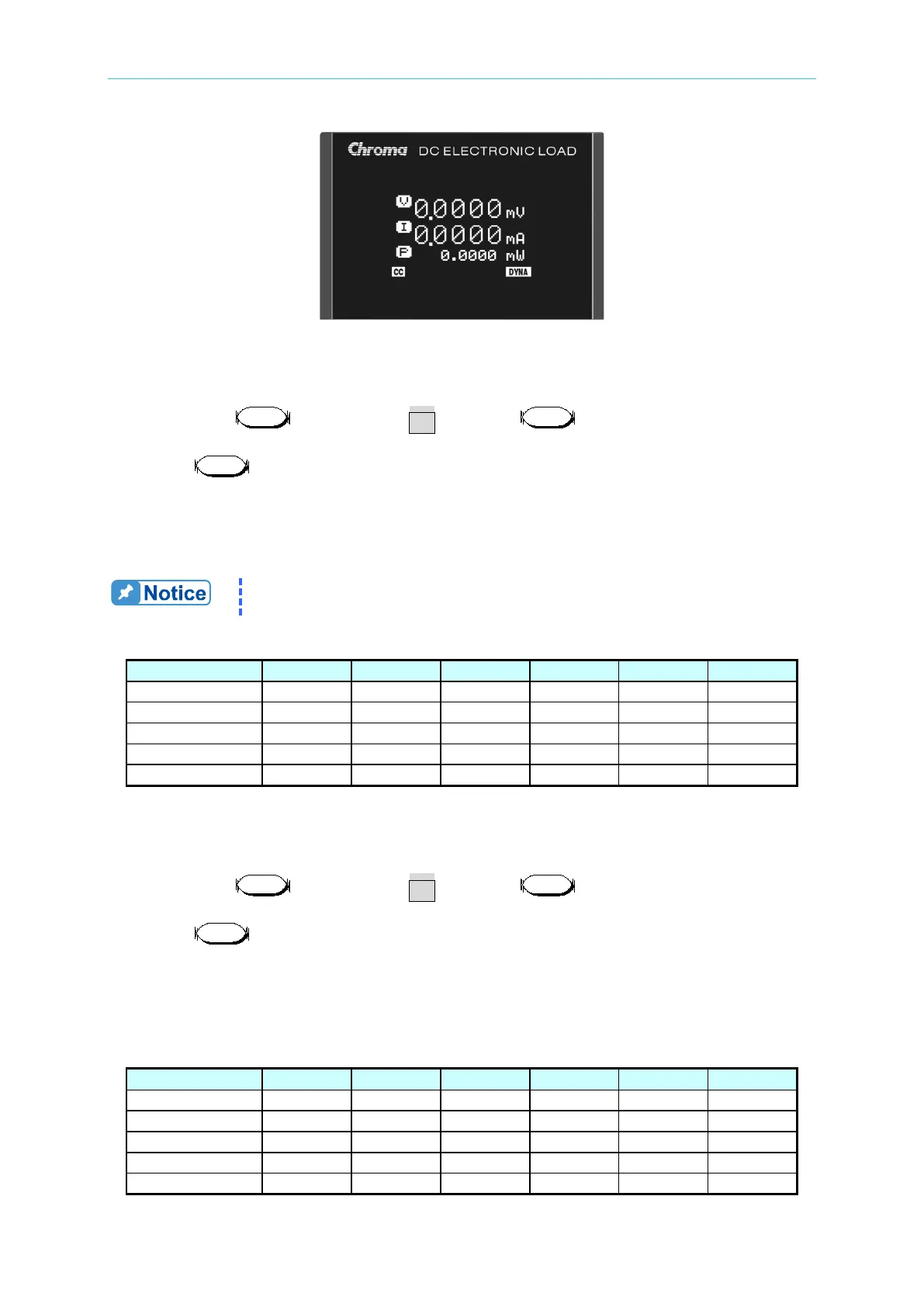
A. First, press till VFD shows CC and press to light up the H range LED
indicator.
B. Press to enter into Dynamic Constant Current setting. The settings are listed in
Table 7-17.
C. Set the DC Source output voltage to 5V (hint: Set to 7V for Model 63630-600-15), the
limit current needs to be larger than the highest level set by dynamic constant current.
(EX: When the 63630-600-15 H level is set to 15A, the DC Source limit current can set
to 17A.)
When the 63640-150-60 is doing dynamic loading, the minimum working
voltage should be larger than 2.5V.
Table 7-17
7.3.5.2 Checking Dynamic Constant Current Medium Range
A. First, press till VFD shows CC and press to light up the M range LED
indicator.
B. Press to enter into Dynamic Constant Current setting. The settings are listed in
Table 7-18.
C. Set the DC Source output voltage to 5V and the limit current needs to be larger than the
highest level set by dynamic constant current. (EX: When the 63630-600-15 H level is
set to 1.5A, the DC Source limit current can set to 2A.)
Table 7-18



 To Next Page
 Loading...


