Product Overview
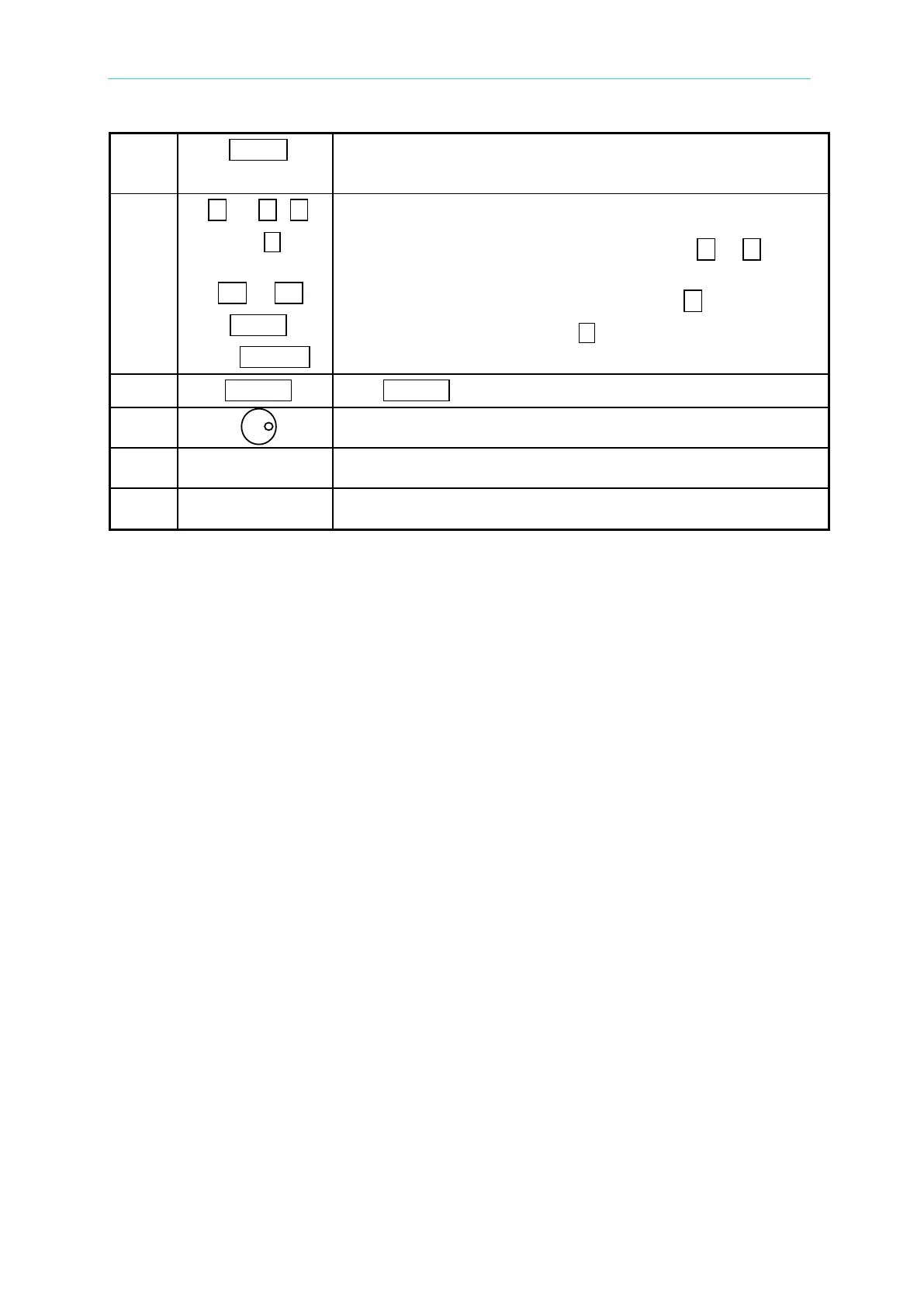
SHIFT
Shift mode selection key: Press this key switches the
6404/6408 from the normal operational mode to the shift mode,
or from shift back to normal.
1 to 9 , 0
and
-------- or --------
F1 to F9
, LOCK
,
and
RANGE
Numeric and decimal keys: Under normal mode, the user
can program numeric data using the digital keys and the
decimal key. Under shift mode, the keys from
1 to 9 save
data to or recalls them from memory channels F1 to F9
respectively. Additionally, under shift mode, 0
enables data
lock and configure setup, and
offers full range
programming.
ENTER The ENTER key is to confirm setting of parameters.
Rotary knob: The user may input programming data or options
by turning the rotary knob to the desired ones.
Universal Output connectors: These connectors output
power to the loads.
Main Power switch: Power on/off the 6404/6408 using this
switch.
Table 1-1 Front Panel Description



 To Next Page