To change the rear system settings:
• Press the ⬙REAR CLIMATE⬙ button on the touchscreen
to change control to rear control mode, Rear display
appears. Control functions now operate rear system.
• To return to the Front screen on the Uconnect system,
press the ⬙Front Climate⬙ button on the touchscreen.
Icon Description
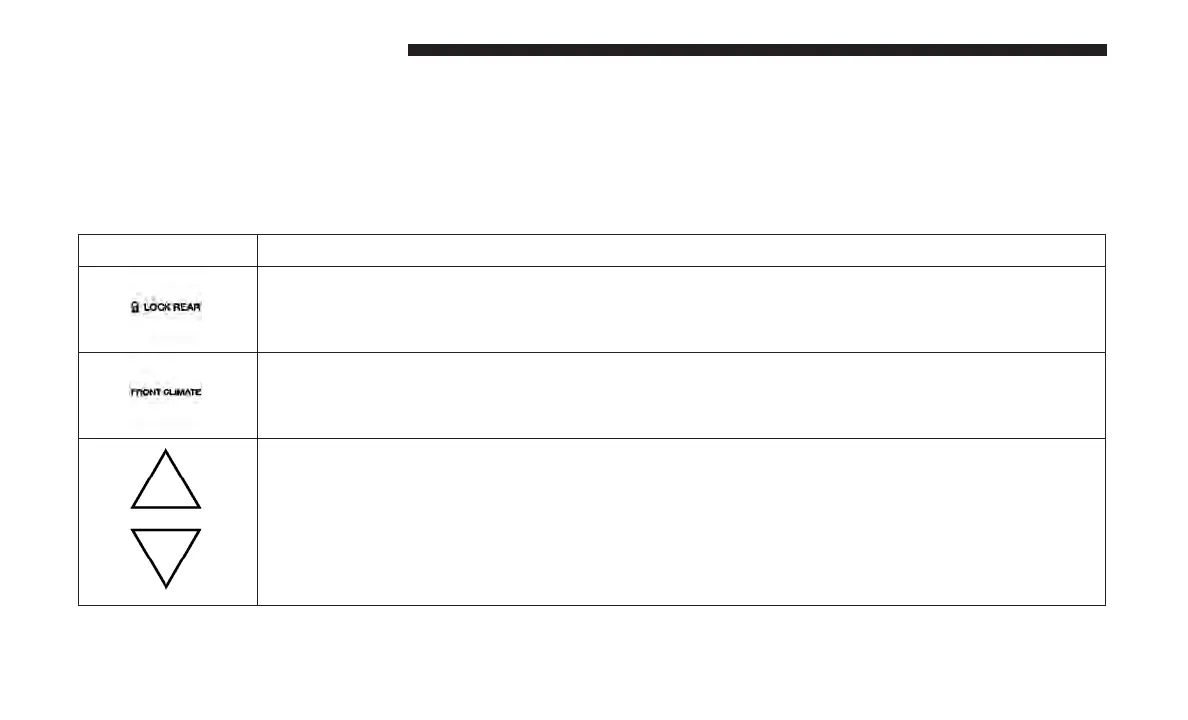
Rear Lock Button
Press and release to lock out the rear manual temperature controls from adjusting the rear tem-
perature and blower settings.
Front Climate Button
Press and release this button to change the display on the Uconnect system back to the Front
Climate Controls.
Rear Passenger Temperature Up and Down Buttons
Provides the rear passengers with independent temperature control. Push the up arrow button
on the touchscreen to increase the temperature. Push the down arrow button on the touchscreen
to decrease the temperature. When the SYNC feature is active, the passenger’s temperature
moves up and down with the driver’s temperature.
112 GETTING TO KNOW YOUR VEHICLE















 To Next Page