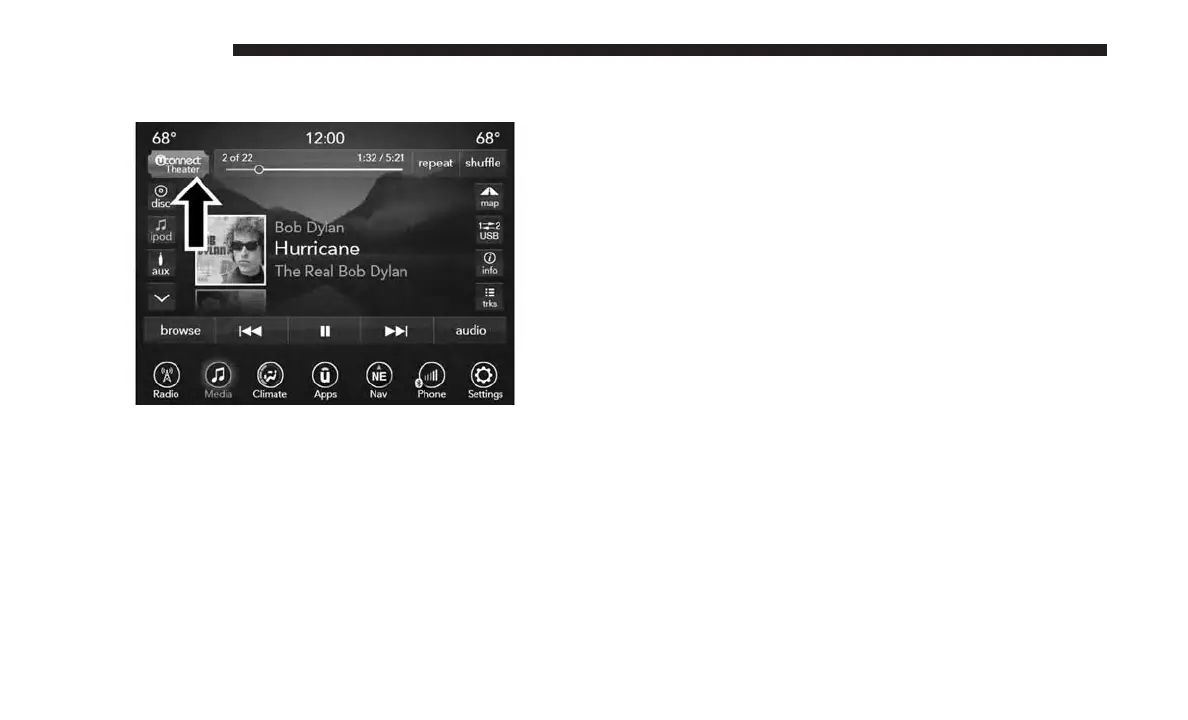
Accessing The System From The Uconnect System
You can access your Uconnect Theater system from the
radio touchscreen following the steps below:
Option 1
1. Press the “Media” button.
2. Press the “Uconnect Theater” button icon.
Option 2
1. Press the “Apps” button on the bottom of the touch-
screen.
2. Press the Uconnect Theater button on the touchscreen.
You may need to navigate to different pages in the Apps
drawer to find the Uconnect Theater button.
NOTE: The Uconnect Theater icon may be dragged and
dropped down from the Apps drawer to the drag & drop
menu to create an App/shortcut. Refer to “Drag & Drop
Menu Bar” in this section for more information.
Uconnect Theater Button
634 MULTIMEDIA















 To Next Page