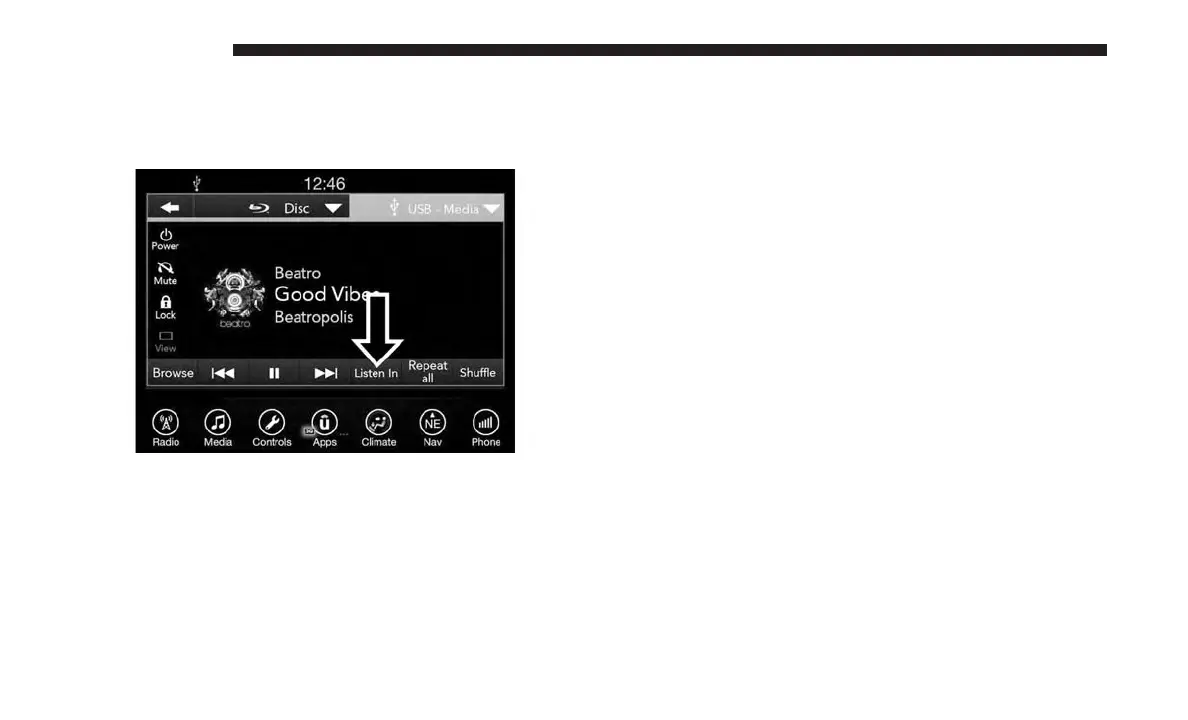
• Listen in to a particular Uconnect Theater screen
through the vehicle’s sound system by selecting the
“Listen In” feature after selecting the “Press to Enter”
option.
Accessing The System From The Uconnect
Theater Rear Screens
You can also access your Uconnect Theater system from the
rear screens from the steps below:
1. Lift screen upward, the system will automatically power
on.
NOTE: A message asking if you would like to pair a
remote will pop up if one has not already been paired to
the system.
2. If “YES” is selected to Pair a Remote, press any button
on the remote and pairing will immediately start.
3. If “NO” is selected, the Uconnect Theater home screen
will pop up.
NOTE:
• There will be a touchscreen notification message when
pairing is successful.
• Test to make sure the remote is successfully paired by
dragging your finger across the gesture pad. If you do
not see the on screen arrow, try using the “Screen”
button on the remote to switch between rear screen one
and rear screen two to make sure the remote is control-
ling the intended screen. It may take several seconds for
the remote to react when initially paired.
• If remote does not pair, refer to “Pairing The Remote”
section for an alternative pairing process.
Individual Main Screen Listen In Feature
636 MULTIMEDIA















 To Next Page