6.2 - Modbus TCP/IP and BACnet IP
Conguring the board
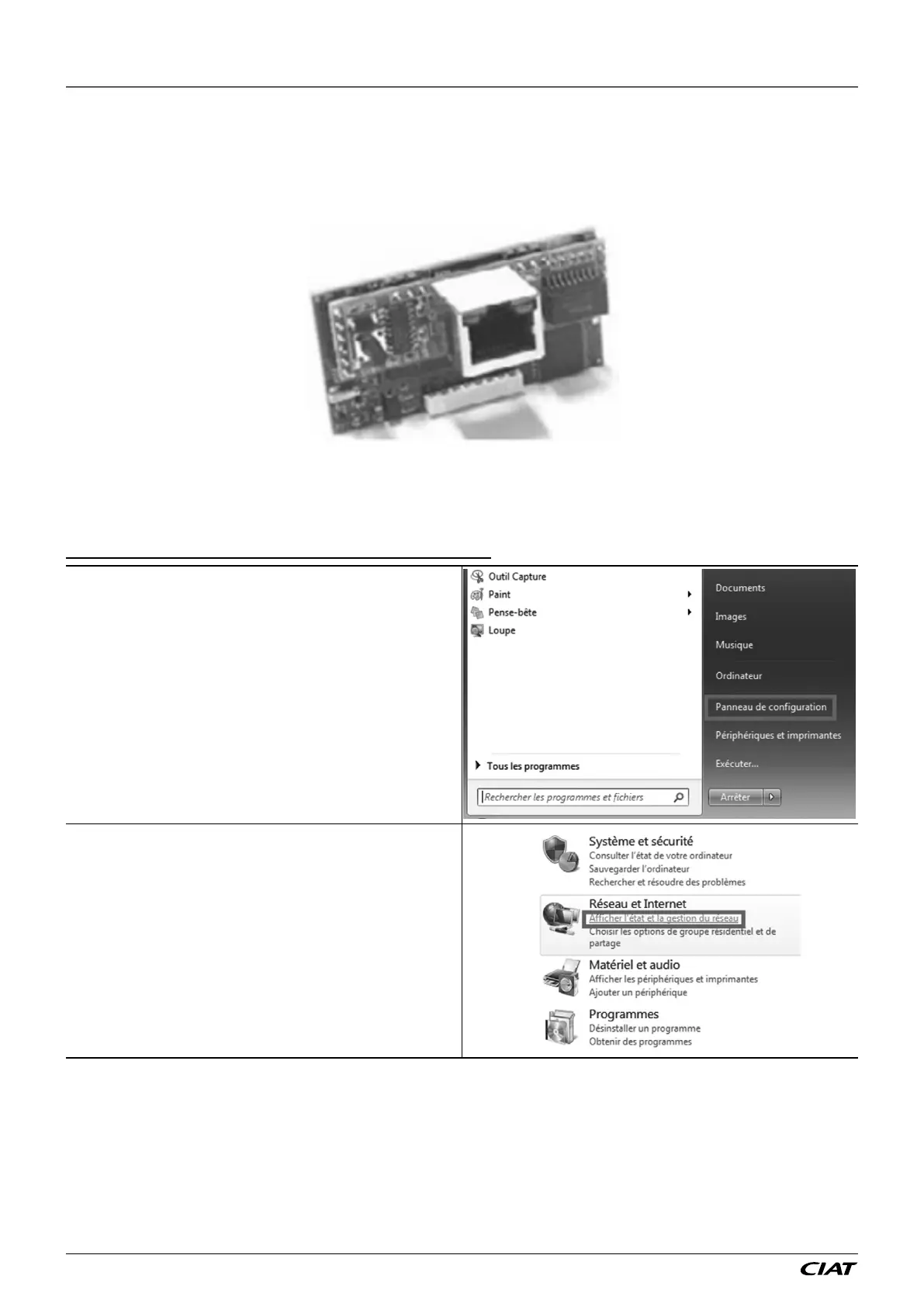
The board is factory tted. If this is not the case, switch o the controller and insert the board in J13 (entitled BMS card or BMS1)
on the controller.
Press the button found on the board whilst switching the power to the controller back on. The left-hand LED will start to ash rapidly.
Keep pressing the reset button. After approximately 30 seconds, the left-hand LED (status LED) switches from green to red, and
then starts ashing. At this point, release the button.
The board is now initialised to the address 172.16.0.1. You will now need to congure your PC to a xed IP.
Procedure for Windows 7:
Important: you must have administrator rights to your computer
Go to the Start menu on your PC then Control Panel.
In the Network and Internet section, click the link View network
status and tasks.
6 - CONNECTION TO A CMS
FLOWAY ACCESS EN-36



 To Next Page