EN - 36
5.2 Accessing the settings
Access levels
Enter the Unit configuration menu
and select the Access level sub-menu.
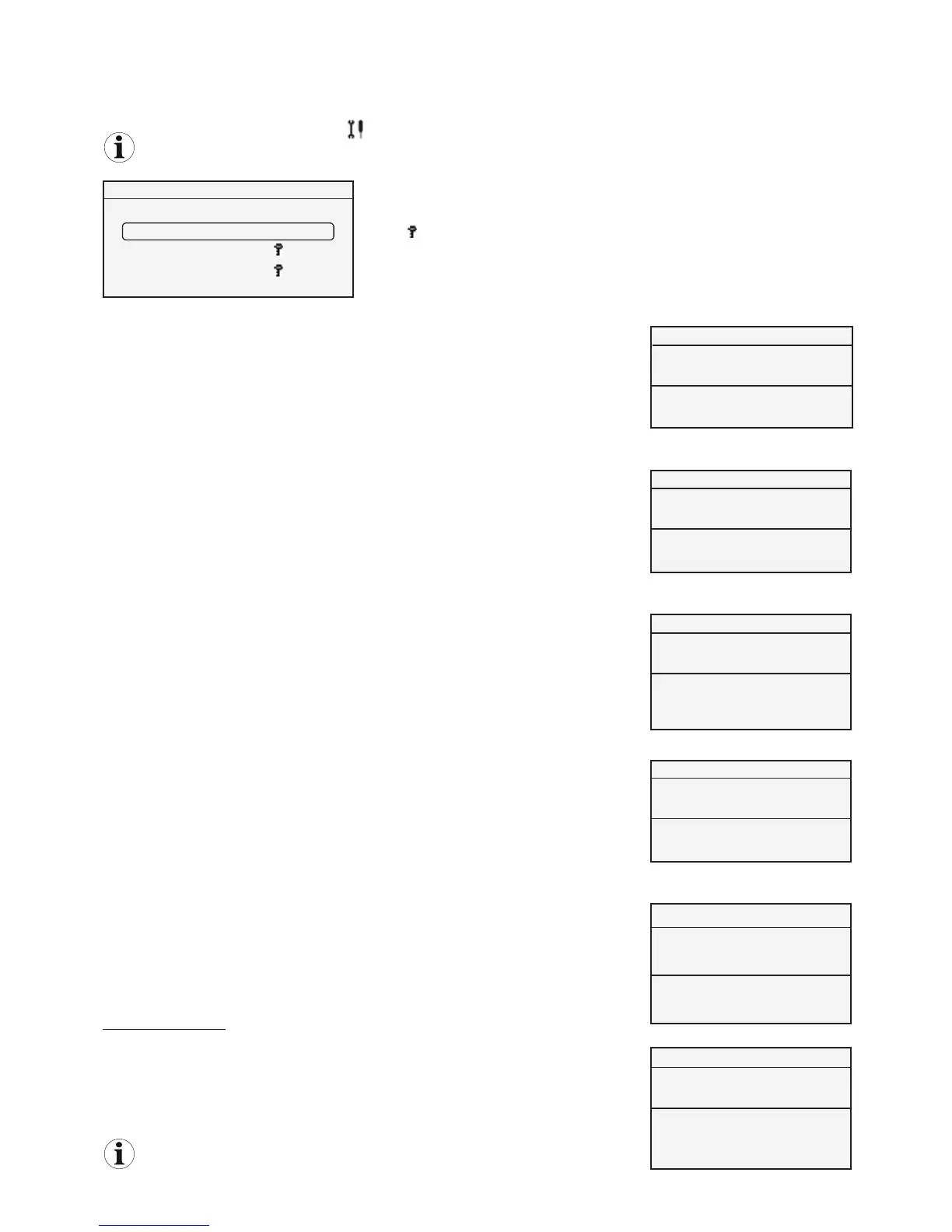
The control terminal has 3 access levels depending on the user's role.
The current access level is shown in brackets.
Level 1 locking
IMPORTANT: Once the unit has been started up, the installer must lock it at level 1 access
(user):
In the Level 1 access sub-menu, select the value YES in the setting field and confirm that
the control terminal is locked at level 1 access.
Note: this function is only accessible at level 2 or 3 access.
Level 2 access
Level 2 is accessed via a numerical code. The default code is 1234.
Enter the default code in the Level 2 access sub-menu:
- the digit to be adjusted flashes.
- turn the button to increase or decrease the value of the digit (0 ≤ X ≤ 9).
- press the button to confirm the set value, select the next value and finally confirm the
code.
Once the code has been confirmed, if it is incorrect, the message WRONG CODE is
displayed on the last line for 5 seconds, then the previous screen is displayed again to
allow the code to be re-entered.
If the code is entered incorrectly three times, the display reverts to Level 1 access.
Once the code has been confirmed during initial use, if it is correct the new code can be
accessed and set. Select the YES setting field. Set the new code. Once the 4th digit has
been confirmed, the message CODE STORED appears for 5 seconds then the screen
reverts to the Level 1 access display.
If the installer does not wish to modify the level 2 access code, select the NO setting field.
Resetting the password (revert to default code)
In the Level 2 access sub-menu (1st digit flashing), press and hold the button for 5
seconds. The message CODE REINITIALISED is displayed for 5 seconds, then the
screen reverts to the Level 1 access display.
This reset can be used if the installer has forgotten his/her password.
Note: activating Level 2 access deactivates the backlighting.
ACCESS LEVEL (2)
reTrn
)
Level 1 access– User access
Level 2 access – Installer access
Level 3 access – CIAT after-sales access level
The key
indicates that a numerical code is required to confirm level 2 or 3 access.
Note: if the terminal is configured with level 2 or 3 access for more than an hour, it
reverts automatically to level 1 for safety reasons.
ACCESS LEVEL (2)



 To Next Page