EN -2
3. OVERVIEW
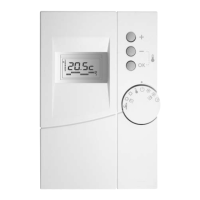
3.1 The remote control
The control terminal must be mounted and connected by your installer in one of the main rooms
of your house (e.g. lounge), observing the following conditions. As the terminal is fitted with an
indoor environment sensor, it must not be exposed to turbulence (e.g. draughts, direct sunlight,
heat from a fireplace, etc.) and must not be mounted on an exterior wall or in contact with an
unheated room in order to detect the most representative temperature of your home.
This terminal can be used to:
1- Define the desired operating mode (heating, cooling, frost protection.)
2- Define the desired temperature.
3- Carry out weekly programming.
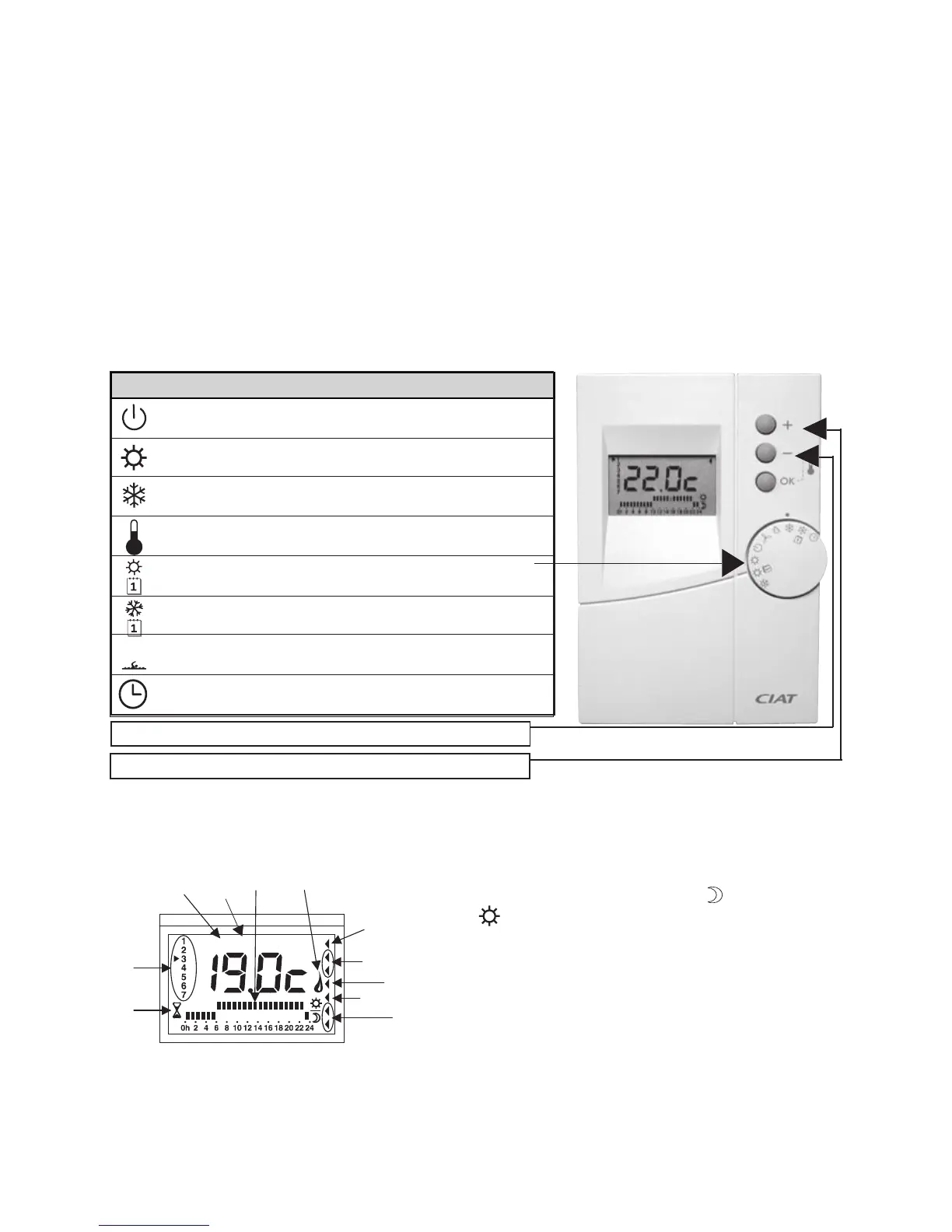
3.2 Main functions
Remote control function selector
Park position
Heating mode
Cooling mode (depending on the model)
Frost protection mode (or unoccupied mode)
Weekly programming in heating mode
Weekly programming in cooling mode
Pool heating mode (depending on the model) (optional)
Position for setting the day and time
Reducing the temperature setpoint
Increasing the temperature setpoint
3.2.1 The remote control display in detail
r 1- Current day of the week (1= Monday, 2 = Tuesday, etc.)
r 2- Setpoint display ( = temperature required).
r 3- Daily program profile (economy (
) or comfort
(
) - see details in paragraph 4.2)
r 4- Compressor operating indicator.
r 5- Electrical backup operating indicator (optional).
r 6- Boiler operating indicator (optional)
r 7- Pool heating operating indicator (optional).
r 8- Configuration mode indicator (Reserved for installer).
r 9- Test mode indicator (Reserved for installer).



 To Next Page